AEye favicon

AEye
Software-Definable Lidar for a Safer Future

What is AEye?

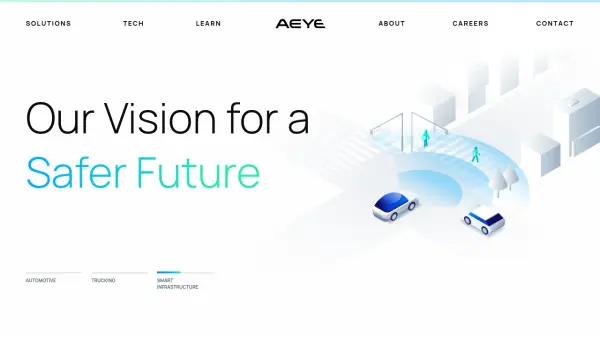
AEye has developed a unique software-defined lidar solution, the 4Sight Intelligent Sensing Platform. This platform enhances perception by capturing information faster and more reliably than traditional lidar systems. This technology is designed to enable autonomous applications to not only perceive the world, but to also react with the needed precision to ensure safe response.

The 4Sight Intelligent Sensing Platform supports early detection and autonomy, resulting in increased safety and offering new levels of performance. AEye's lidar is designed for various applications including automotive, trucking and smart infrastructure.

Features

  • Adaptive: Optimized scan patterns for any application and use case.
  • Responsive: Adapts in real time to any environment or use case.
  • Range: Provides high resolution with long-range accuracy.
  • Upgradable: Offers over-the-air upgrades to the operating system.

Use Cases

  • Enhancing safety features in electric and software-defined vehicles.
  • Improving visibility and object detection for heavy-duty trucks.
  • Enabling transportation authorities to respond faster and implement preventative safety measures.

Related Tools:

Blogs:

  • Top AI tools for Teachers

    Top AI tools for Teachers

    Explore the top AI tools designed for teachers, revolutionizing the education landscape. These innovative tools leverage artificial intelligence to enhance teaching efficiency, personalize learning experiences, automate administrative tasks, and provide valuable insights, empowering educators to create engaging and effective educational environments.

  • Top 6 AI note-taking tools for 2026: in-person, online, and hybrid use cases

    Top 6 AI note-taking tools for 2026: in-person, online, and hybrid use cases

    Most AI note-taking lists are really lists of meeting bots, which join your video call and transcribe it. That's useful, but it's half the picture. Decisions happen in hallway conversations, client dinners, on-site visits, and hybrid rooms where nobody is on a video link. This guide covers different parts of the note-taking workflow: hardware capture for in-person settings, platform-native tools for online calls, and AI layers for organizing and synthesizing what you've captured. It compares six tools by capture context, workflow fit, pricing, and limitations.

Didn't find tool you were looking for?

Be as detailed as possible for better results