What is Shield AI?
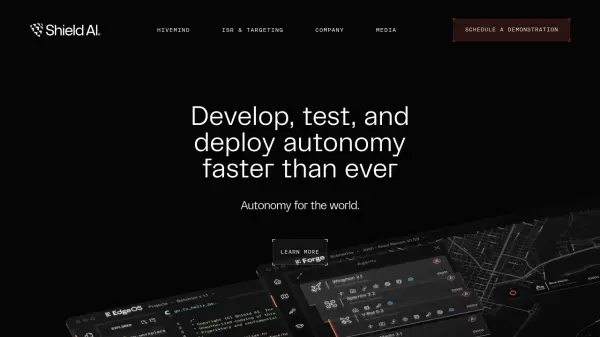
Shield AI provides the Hivemind platform, a modular, AI-powered autonomy software solution designed for rapid development and deployment to intelligent machines. It enables developers to significantly reduce development time, empowering lean teams to achieve substantial impact.
The platform includes EdgeOS, an industrial-grade autonomy operating system; Pilot, a catalog of pre-built autonomous behaviors; Forge, a unified suite for designing, testing, and analyzing autonomous machines; and Commander, for centralized mission planning and C2 integration. Shield AI's technology has been rigorously tested in real-world scenarios, including autonomous flight and tactical maneuvers.
Features
- EdgeOS: An industrial-grade autonomy operating system for low-latency, rapid development, and extensibility.
- Pilot: A catalog of pre-built autonomous behaviors for diverse mission autonomy.
- Forge: A unified suite for designing, testing, and analyzing autonomous machines with generative AI capabilities.
- Commander: Centralized mission planning and C2 integration for Hivemind-enabled machines.
- Hivemind: Modular autonomy software platform for rapid development and deployment.
Use Cases
- Autonomous flight and tactical maneuvers.
- ISR (Intelligence, Surveillance, and Reconnaissance) and targeting.
- Object detection in videos.
- Unmanned aircraft systems (UAS) operation.
- Dual-ship autonomy tests.