What is Artefacts?
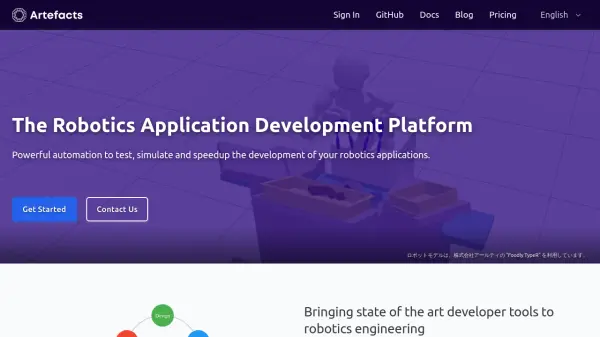
Artefacts is a specialized cloud platform designed for robotics engineers and developers to test, simulate, and accelerate the development of robotics applications. The platform offers continuous integration solutions that enable automated testing of robot code in simulation environments, helping teams identify issues early and reduce development cycles.
The platform integrates seamlessly with ROS 2 projects and supports various frameworks, providing testing libraries, automated logging, and performance monitoring tools. Teams can run parametrized tests in parallel, visualize simulation data through charts and videos, and integrate with existing GitHub workflows using dedicated GitHub Actions.
Features
- Continuous Simulation: Automated testing of robotics applications in cloud-based simulation environments
- ROS 2 Integration: Seamless compatibility with ROS 2 projects and various robotics frameworks
- Parametrized Testing: Run multiple test scenarios and parameter variations in parallel for robustness analysis
- Performance Monitoring: Track application metrics, visualize simulation data, and generate test outputs including videos and charts
- GitHub Integration: Connect with GitHub repositories and use dedicated GitHub Actions for automated testing workflows
Use Cases
- Testing robotic manipulation applications in simulated environments
- Continuous integration for robotics software development pipelines
- Performance validation of autonomous robot navigation systems
- Regression testing for robotics applications across parameter variations
- Development acceleration for agricultural robotics solutions