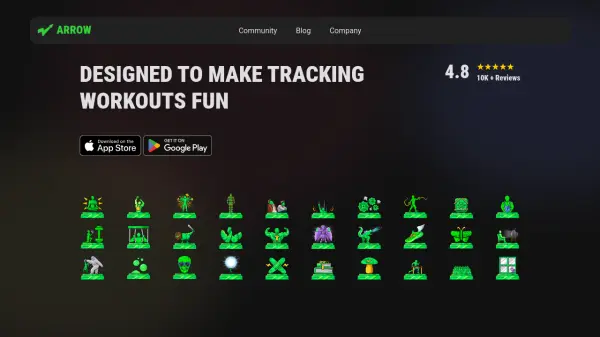


What is Arrow Fitness App?
Arrow Fitness App introduces a dynamic approach to fitness tracking by making workouts entertaining and motivational. Users can monitor their exercise routines, set targets, and unlock achievements to stay engaged while progressing towards their fitness goals. Designed for all types of users, it blends fun features like levels, streaks, and trophies with advanced analytics and performance highlights for deeper workout insights.
With expandable plans, Arrow Fitness App caters to casual lifters as well as competitive athletes, offering tools such as cardio activity tracking, advanced muscle diagrams, team features, and more. The app aims to foster a sustained and enjoyable fitness journey by combining community engagement and gamified tracking elements.
Features
- Levels and Streaks: Track progress using achievement-based systems.
- Trophies and Rewards: Unlock trophies for meeting exercise milestones.
- Cardio & Activity Tracking: Monitor a variety of workout types.
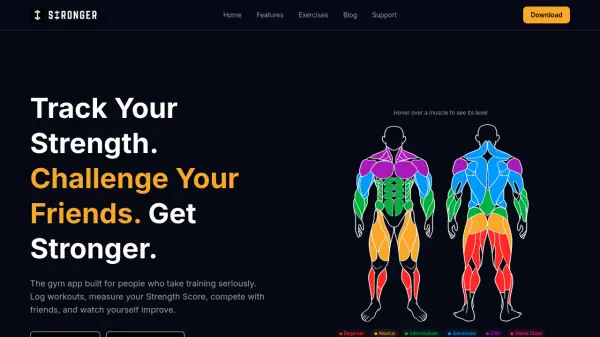
- Advanced Muscle Diagram: Visualize targeted muscle groups.
- Exercise Highlights: View insights on performance and improvement areas.
- Teams and Community: Engage with others for motivation and competition.
Use Cases
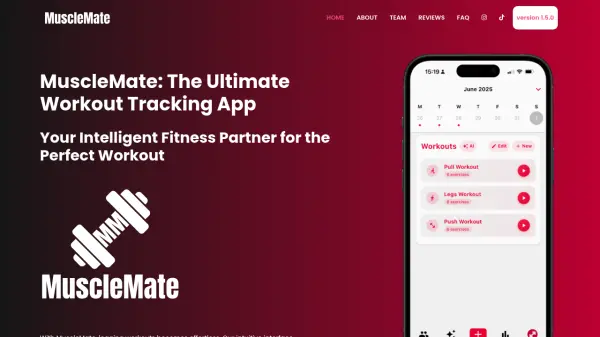
- Tracking daily strength and cardio workouts
- Motivating users through gamified achievements
- Analyzing exercise performance and improvement
- Competing with friends or teams in fitness challenges
- Visualizing targeted muscle development