Araelium favicon

Araelium
Professional macOS development tools for screen recording, database management, disk image creation, and package building

What is Araelium?

Araelium offers a comprehensive collection of professional macOS development tools designed to enhance productivity and streamline workflow processes. The platform includes Screenflick for ultra high performance screen recording, Querious as the premier MySQL client tool for macOS, DMG Canvas for creating professional disk images with ease, and Package Builder for simplifying macOS installer package creation.

These tools are specifically engineered for macOS environments, providing optimized performance and intuitive interfaces that cater to developers and technical professionals. Each application addresses distinct aspects of the development process, from database management to software distribution, creating a cohesive ecosystem for macOS development needs.

Features

  • Screenflick: Ultra high performance screen recording tool for macOS
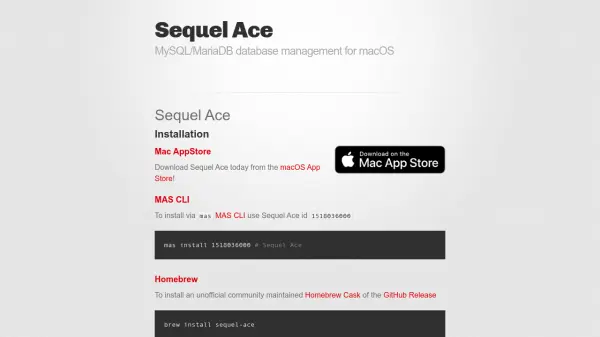
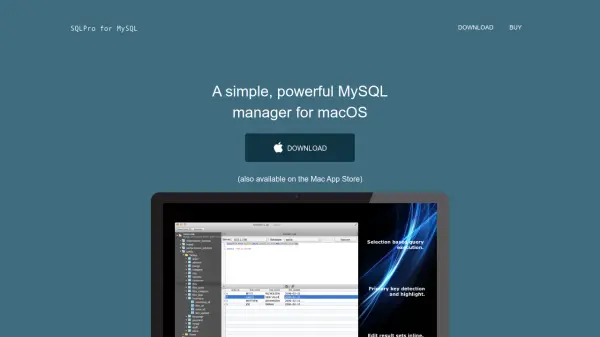
  • Querious: Premium MySQL client tool specifically designed for macOS
  • DMG Canvas: Professional disk image creation with simplified workflow
  • Package Builder: Streamlined macOS installer package creation tool

Use Cases

  • Recording software demonstrations and tutorials on macOS
  • Managing MySQL databases through a dedicated macOS client
  • Creating professional disk images for software distribution
  • Building macOS installer packages for application deployment
  • Streamlining development workflows on macOS systems

Related Tools:

Blogs:

  • Top 6 AI note-taking tools for 2026: in-person, online, and hybrid use cases

    Top 6 AI note-taking tools for 2026: in-person, online, and hybrid use cases

    Most AI note-taking lists are really lists of meeting bots, which join your video call and transcribe it. That's useful, but it's half the picture. Decisions happen in hallway conversations, client dinners, on-site visits, and hybrid rooms where nobody is on a video link. This guide covers different parts of the note-taking workflow: hardware capture for in-person settings, platform-native tools for online calls, and AI layers for organizing and synthesizing what you've captured. It compares six tools by capture context, workflow fit, pricing, and limitations.

  • Top AI tools for Teachers

    Top AI tools for Teachers

    Explore the top AI tools designed for teachers, revolutionizing the education landscape. These innovative tools leverage artificial intelligence to enhance teaching efficiency, personalize learning experiences, automate administrative tasks, and provide valuable insights, empowering educators to create engaging and effective educational environments.

Didn't find tool you were looking for?

Be as detailed as possible for better results