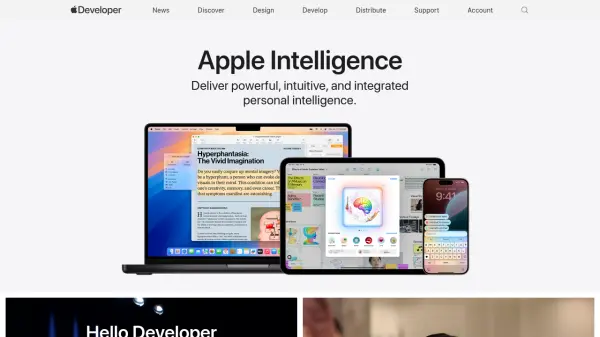

What is Apple Developer?
Access a comprehensive suite of tools and resources designed to empower developers in crafting and deploying applications across all Apple platforms. This includes beta software, advanced app capabilities, extensive beta testing tools, and app analytics.
Membership in the Apple Developer Program grants access to reach a global audience through the App Store. Explore the latest documentation, including API references, articles, and sample code, to enhance app development. Stay informed with videos covering new technologies presented at Apple developer events.
Features
- Xcode 16: Transform your ideas into code.
- Swift Student Challenge: Submissions are open through February 23.
- Apple Developer Program: Reach customers on the App Store for iPhone, iPad, Mac, Apple Watch, Apple TV, and Apple Vision Pro.
- Downloads: Get the latest SDKs and beta operating systems.
- Documentation: Browse the latest documentation including API reference, articles, and sample code.
- Videos: Learn about the latest technologies.
- Forums: Ask questions and discuss development topics with Apple engineers and other developers.
Use Cases
- Developing new apps for Apple platforms.
- Distributing apps on the App Store.
- Testing apps with beta software and tools.
- Accessing developer documentation and resources.
- Engaging with the Apple developer community.