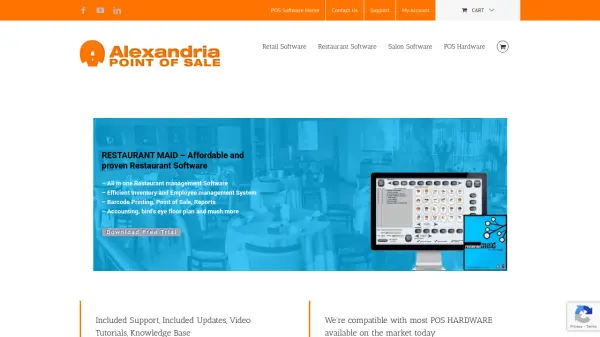
What is Alexandria Computers POS Software?
Alexandria Computers provides versatile point of sale software solutions designed specifically for retail businesses, restaurants, and salons. Their software replaces outdated manual processes with modern, professional tools that streamline operations and improve efficiency. The platform includes built-in features such as accounting, payroll, employee time-clock functionality, and inventory management that many competitors charge extra for as add-ons.
The software is compatible with most POS hardware available on the market, including tablets, touchscreen monitors, barcode scanners, card readers, cash drawers, and receipt printers. Each purchase includes a lifetime license with email support, updates, video tutorials, and access to a knowledge base. The solutions are designed for global compatibility, supporting multiple currencies and tax formats for businesses operating in different regions.
Features
- Lifetime License: One-time payment of $199 with no monthly fees or subscriptions
- Multi-Industry Support: Specialized solutions for retail, restaurant, and salon businesses
- Built-in Accounting: Integrated accounting, payroll, and time-clock functionality
- Inventory Management: Comprehensive inventory tracking with low inventory alerts
- Hardware Compatibility: Works with most POS hardware including tablets, scanners, and printers
- Global Compatibility: Supports multiple currencies and tax formats for international businesses
- Customer Management: Collects customer data and enables promotional communications
- Reporting Tools: Detailed end-of-day reports and sales analytics
Use Cases
- Retail store inventory and sales management
- Restaurant order processing and floor plan management
- Salon appointment scheduling and commission calculation
- Small business accounting and payroll processing
- Inventory tracking with barcode printing capabilities
- Customer relationship management for promotions
- Employee time tracking and management
- Multi-location business operations