What is Aim?
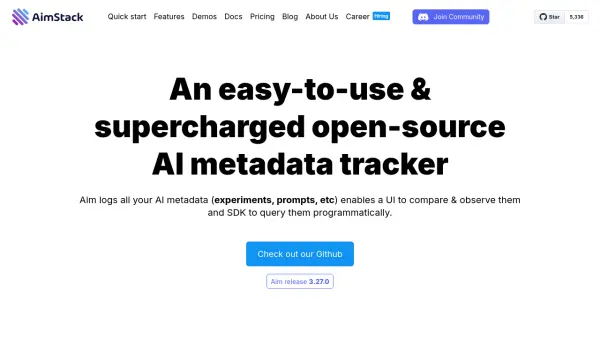
Aim is a powerful open-source platform designed for tracking and managing AI metadata at scale. It efficiently handles hundreds of thousands of tracked metadata sequences, making it particularly valuable for experiment tracking and prompt engineering applications.
The platform features a performant and beautiful UI that allows users to explore and compare training runs and prompt sessions. With its comprehensive tracking capabilities, users can monitor hyperparameters, metrics, images, distributions, audio, text, and system resource usage. The tool supports integration with popular frameworks and offers both self-hosted and managed deployment options.
Features
- Metadata Tracking: Log and monitor AI experiments, prompts, and training runs
- Interactive UI: Compare and analyze multiple runs simultaneously
- Resource Monitoring: Track system resource usage during experiments
- Data Visualization: Support for plotly and matplotlib plots
- Scalability: Handle 100,000s of tracked metadata sequences
- SDK Integration: Programmatic access to tracked runs
- Self-hosted Deployment: Complete control over data and infrastructure
Use Cases
- Experiment tracking for machine learning models
- Prompt engineering optimization
- Model training analysis and debugging
- Team collaboration on AI projects
- Machine learning model performance comparison
- Training run visualization and monitoring
FAQs
-
How do I get started with Aim?
You can get started with Aim by installing it using pip install aim and initializing it in your code. The setup takes less than a minute and works in any environment. -
What types of data can Aim track?
Aim can track various types of data including metrics, hyperparameters, images, distributions, audio, text, plotly and matplotlib plots, and system resource usage. -
Is Aim available for enterprise use?
Yes, Aim offers an Enterprise plan with features like custom deployment options, 24/7 support, and full enterprise security.