What is Adaptive Images?
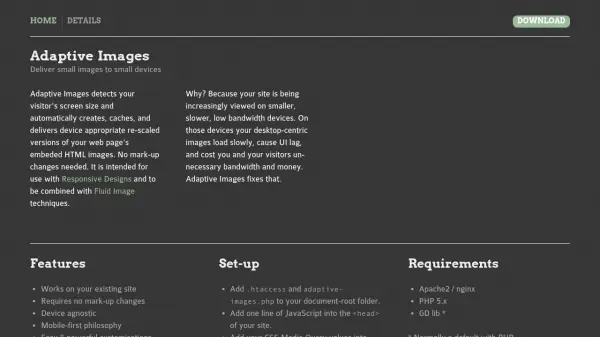
Adaptive Images intelligently scans the visitor's device screen size and dynamically generates, caches, and serves scaled versions of your website’s HTML images. This seamless solution eliminates the need for mark-up changes, making it ideal for responsive web designs and fluid image implementations. By optimizing image delivery for devices—from desktop to smartphones—it enhances site speed, reduces UI lag, and curtails unnecessary bandwidth costs, particularly on slower connections.
Designed for easy integration, Adaptive Images requires only a few setup steps and supports both Apache2 and nginx servers using PHP. The tool automatically creates device-appropriate images without requiring manual configuration for every image or any ongoing effort. Its non-destructive approach works with any content management system or existing website structure, ensuring efficient and responsive image delivery tailored to each user’s device.
Features
- Automatic Device Detection: Scans screen size to serve optimized images
- No Mark-up Changes: Integrates without altering existing webpage code
- Device Agnostic Delivery: Supports all device types and resolutions
- Easy Integration: Quick setup with minimal configuration
- Customizable Resolutions: Allows user-specified media query values in PHP
- Responsive Design Support: Works seamlessly with CSS media queries
- On-the-fly Image Resizing: Generates new sizes as needed
- Non-destructive Operation: Compatible with any CMS or existing website
Use Cases
- Improving website performance on mobile devices by delivering smaller images
- Reducing bandwidth usage and associated costs for high-traffic sites
- Enabling responsive web designs without adjusting HTML image tags manually
- Enhancing UI speed for visitors on slow or limited internet connections
- Automating image optimization for content-heavy websites