What is 3RVX?
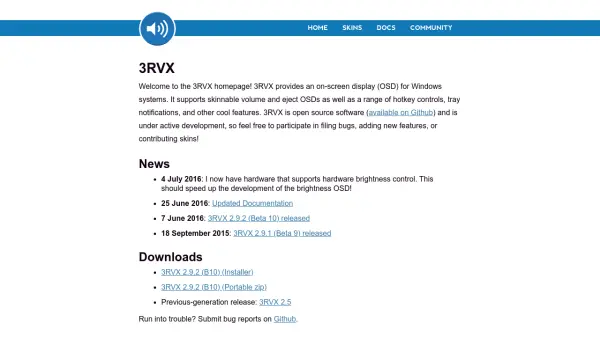
3RVX is an open-source application for Windows that offers an on-screen display (OSD) for volume and eject actions. Users can customize the appearance with various skins, set hotkeys for quick control, and receive tray notifications. The software is actively developed on GitHub, inviting community contributions for bug fixes, new features, and skins.
Features
- Skinnable OSD: Customize the volume and eject display with community-created skins.
- Hotkey Controls: Assign custom hotkeys for volume and other actions.
- Tray Notifications: Receive visual notifications in the system tray.
- Open Source: Actively developed on GitHub with community contributions.
Use Cases
- Adjusting system volume with a visual display.
- Ejecting media drives with on-screen feedback.
- Customizing the OSD appearance to match personal preferences.
- Using hotkeys for quick volume control without external buttons.
FAQs
-
What is 3RVX?
3RVX is an open-source on-screen display (OSD) for Windows that shows volume and eject notifications. It is skinnable and supports hotkeys. -
Is 3RVX free?
Yes, 3RVX is completely free and open source software available on GitHub. -
How do I customize the appearance of 3RVX?
You can download and apply skins from the community. The skins change the look of the volume and eject OSD. -
Can I use hotkeys with 3RVX?
Yes, 3RVX supports custom hotkeys for volume control and other actions. -
How do I report a bug or contribute?
Bug reports and contributions can be submitted via the GitHub repository.