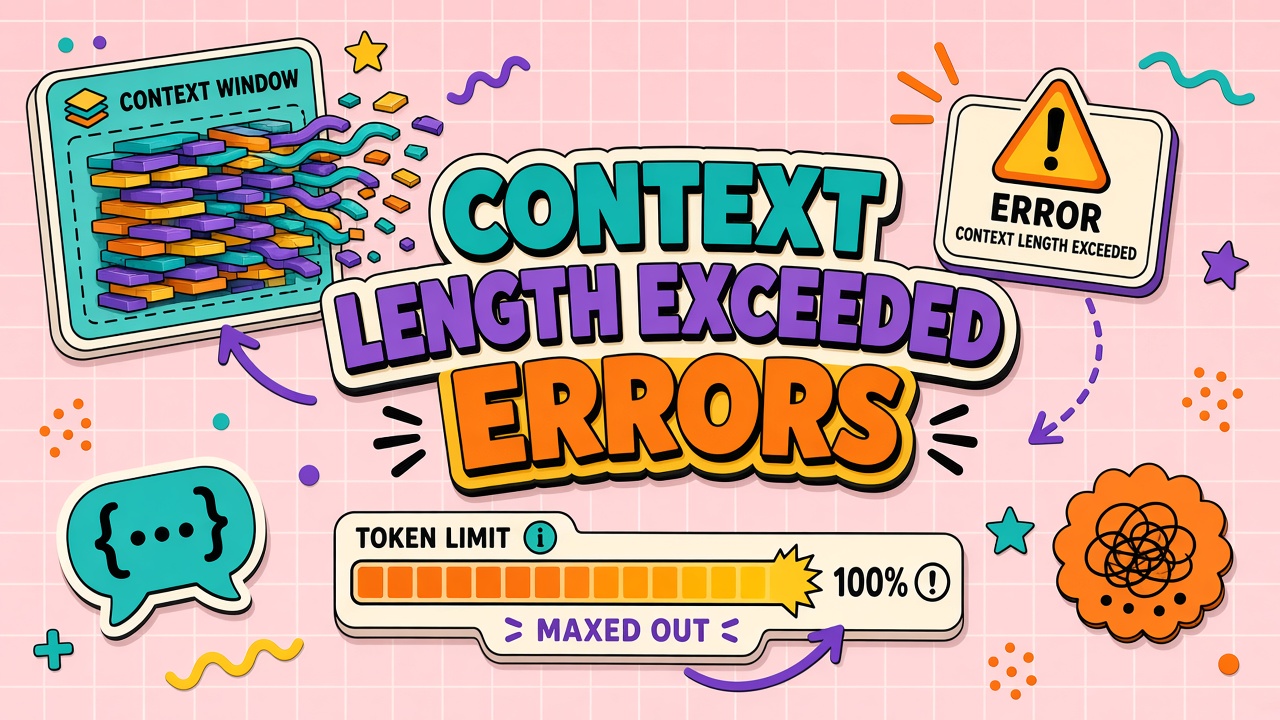
You paste a PDF, a long chat history, and a detailed system prompt, then the tool returns context length exceeded or a generic "request too large" message. The failure is predictable: total input tokens exceed the model or product limit. Fixing it starts with reading the error carefully, then removing the heaviest contributors.
This troubleshooting guide maps symptoms to causes and walks through chunking, summarization, and architecture shifts. Teams using AI chatbot products and direct AI API integrations see this error in different wrappers with different wording.
Read the Error: Tokens vs Characters
Context limits are counted in tokens, not characters or pages. One token is roughly three to four characters of English prose but can be one character for some symbols. Code, JSON, and non-Latin scripts tokenize differently. A 50-page PDF might be 8k tokens or 80k tokens depending on layout, OCR noise, and tables.
API errors often include maximum context length, context_length_exceeded, or
prompt is too long with numeric hints. Note the model name in the error: limits differ between
tiers even within one vendor. A chat UI may hide the model ID; open developer tools or export request metadata
when diagnosing recurring failures.
| Signal | Likely meaning | First check |
|---|---|---|
| Token count in message | Hard model window breach | Sum system + history + user input |
| Character limit only | Product UI cap below model cap | Split paste or use file upload path |
| Intermittent on same file | Growing chat history | New thread or truncate history |
Reserve output tokens in your mental budget. A 128k context model does not mean 128k tokens of input plus a 10k
answer. APIs subtract requested max_tokens from available input. When
AI context too long error
appears near the advertised window, lower max output or shorten input.
Vendor-Specific Error Patterns
Wording varies by product. OpenAI-style APIs return explicit token counts. Some chat UIs collapse errors into "something went wrong." Browser extensions may truncate paste before server sees full text, producing confusing errors below real limit. Test same content in API playground versus product UI to localize blame.
Multimodal attachments (images, audio) tokenize separately from extracted text. A short prompt plus twenty screenshots can exceed a long prose paste. Count vision tokens when product supports image input.
Identify Bloated Attachments or History
The largest contributors are usually attachments, tool outputs, and unbounded chat history. Start a fresh thread with only the latest user question. If the error disappears, history was the culprit. Re-add pieces incrementally to find the breaking attachment or message.
- PDFs: Scanned pages become huge token strings after OCR.
- Code repos: Pasting entire directories includes binaries and lockfiles.
- Tool traces: Agent logs and JSON tool outputs accumulate silently.
- System prompts: Long policy blocks repeat every request in API calls.
- Few-shot examples: Ten long examples can exceed the user question.
Use vendor token counters or open-source estimators before send. Log input token count per request in your app if you own the integration. Product users without logs can binary-search: remove half the paste, retry, repeat.
For chatbot sessions, "memory" features inject prior summaries that grow over weeks. Clear memory or start a project-scoped thread when summaries balloon. Hidden retrieval chunks from RAG also count toward context if injected inline.
Chunking and Summarization Fixes
Split large sources into chunks, process each chunk, then merge results. Map-reduce pattern: summarize each section independently, then ask a final question over section summaries. For code, chunk by file or by function with explicit file paths in each chunk header so the model preserves context.
- Extract text from PDF or repo into clean plain text; drop headers, footers, duplicate pages.
- Split on headings, page breaks, or token budget (e.g. 6k tokens per chunk with overlap).
- Run extraction or Q&A per chunk with narrow instructions.
- Combine chunk outputs; run final synthesis pass on merged summary only.
Summarization trades fidelity for fit. Legal and compliance workflows may forbid summarizing away clauses; chunk with overlap and cite chunk IDs instead. For tables, export CSV slices rather than markdown tables with repeated headers.
To fix context window exceeded errors quickly in ad hoc chat, remove oldest turns first, then shrink attachments, then shorten system instructions. Permanent fix is architectural: retrieval instead of full paste, or larger window tier for true long-document work.
When to Switch to RAG or Larger Window Tier
Use RAG when you need answers grounded in a corpus bigger than the window. Embed documents, retrieve top-k relevant chunks per query, inject only those chunks. Use larger context tiers when the task genuinely requires reasoning across a single very long artifact in one pass (whole repo refactor planning, full contract redline in one shot).
Larger windows cost more per request and can increase latency. They do not remove the need for retrieval at encyclopedic scale: a million-token library still exceeds a 200k window. Product decision matrix:
| Approach | When it fits | Tradeoff |
|---|---|---|
| Chunk + summarize | One-off analysis, no infra yet | Manual steps, possible lost detail |
| RAG pipeline | Repeated Q&A over large KB | Build indexing, eval retrieval quality |
| Long-context tier | Whole-document reasoning tasks | Higher $/request, still has ceiling |
When upgrading tier via API, confirm the deployed model ID matches marketing name. Some gateways route "long context" SKUs only when request headers specify them. Update client defaults and re-test worst-case attachments from support tickets.
Prevent Recurrence in Production Apps
Validate input size server-side before billing the model. Return friendly errors with suggested actions (trim history, upload smaller file, enable retrieval mode). Cap chat history turns stored per session. Strip tool outputs older than N steps from agent loops. Monitor p95 input tokens; spikes predict tomorrow's support tickets.
When to Escalate to RAG or Larger Window
Escalate to RAG when corpus is large, updates frequently, and same chunks reused across many queries. Escalate to larger window tier when single artifact must be analyzed whole with tight deadline and RAG retrieval risks missing cross-section references. Cost larger window per request; cost RAG in engineering time and infra. Decision belongs to platform architect, not individual frustrated user.
Document standard chunk size for PDFs and repos in internal runbook. Runbook reduces repeated context length exceeded ai tickets asking same question weekly.
Operational Checklist
Assign a single owner for monthly refresh. Publish assumptions where finance and engineering both edit. Tie forecast or policy changes to ticket IDs. Review variance before month close, not after invoice payment. Run tabletop exercises when vendors announce pricing or deprecations. Keep archived exports for audit comparison quarter over quarter.
Document decisions in plain language any new hire can follow. Operational discipline matters as much as spreadsheet formulas or contract clauses. Teams that treat AI spend as unplannable noise get unplannable invoices. Teams that treat spend as a managed metric catch drift early and negotiate from data.
Cross-Functional Alignment
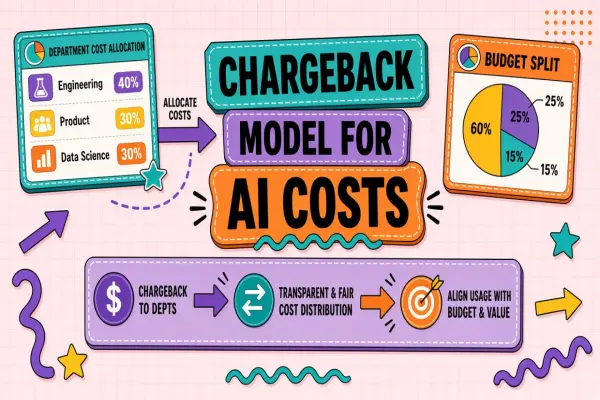
Platform owns technical tags and caps. Finance owns forecast and chargeback posting. Procurement owns contract language. Product owns workflow rollout dates that drive usage. Security owns trial data classification. Weekly five-minute sync during rollout quarters prevents each function optimizing locally while global spend drifts. Alignment is boring work that prevents exciting overage surprises.
Common Mistakes to Avoid
Mistake one: single org-wide average hiding squad spikes. Mistake two: ignoring human review labor in ROI or unit economics. Mistake three: annual commit sized on peak pilot week. Mistake four: alerts configured without owners. Mistake five: sunset without migration support. Mistake six: treating free tier as production. Mistake seven: streaming timeouts fixed by disabling streams without root cause. Mistake eight: duplicate responses patched in UI only while webhooks still double-write. Avoiding these patterns saves more than marginal token discounts.
Support Playbook for Context Errors
Tier-one support should collect: exact error text, model name if visible, attachment types, thread age, approximate paste size. Tier-two reproduces in fresh thread with minimal input. If minimal input fails, escalate to platform bug. If fresh thread works, send user chunking guide and link to internal policy on max attachment size.
Implementation Timeline
Week one: assign owners and export baseline data from vendor admin or application logs. Week two: draft spreadsheet, policy, or runbook sections relevant to your pillar. Week three: pilot with one squad and fix tagging or alert noise. Week four: publish org-wide with office hours. Month two: first variance or true-up review and adjust assumptions. Month three: executive summary with decisions made from metrics, not only spend totals.
Skipping the pilot week creates alert fatigue and mistrust in chargeback numbers. Investing four weeks upfront pays back when finance, security, and engineering reference the same artifacts instead of rebuilding from scratch each quarter. Treat this as operational infrastructure parallel to the AI features themselves.
Frequently Asked Questions
Why do whole code repos fail even on long-context models?
Repos include generated assets, minified bundles, and lockfiles that tokenize heavily. Binary files pasted as text
explode token counts. Index by path, retrieve relevant files, or use dedicated code search tools instead of raw
paste. Exclude node_modules, build artifacts, and vendor trees by default.
Why do some PDFs fail while similar page counts work?
Scanned PDFs produce OCR text with noise. Complex tables become repetitive markdown. Password-protected or malformed PDFs may partially extract into huge gibberish strings. Pre-process: OCR cleanup, extract tables to CSV, split by chapter. Re-upload smaller slices.
Does clearing chat history always fix the error?
Usually if history was the growth factor. System prompts and attachments in the latest message can still exceed limits alone. Start fresh thread, send minimal repro, add one attachment at a time. Persistent failure on minimal input suggests product bug or wrong model tier, not user paste size alone.
What is the fastest way to reduce prompt length?
Remove few-shot examples, shorten system policy to bullet rules, drop redundant tool definitions, and delete oldest chat turns. Replace full document paste with one-sentence task plus retrieved excerpts. These steps align with reduce prompt length AI guidance without waiting for infra projects.
The Bottom Line
Context length exceeded errors are budget problems, not mystery failures. Read token versus character limits, find bloated history and attachments, chunk or retrieve, and upgrade tier only when the workflow truly needs it. Whether you use a packaged chatbot or a custom API stack, logging input size before send prevents most repeats.
Review this guide quarterly against your vendor admin console and finance exports. Interfaces change; caps move; new premium toggles appear inside familiar SKUs. A quarterly thirty-minute review keeps policy, forecast, and contract language aligned with what the product actually bills. Assign the review to a named role, not a mailing list.
When in doubt, measure for two weeks before committing annually or sunsetting a vendor. Short measurement windows beat long debates. Export logs, tag them, compute the metric or variance, then decide. Data ends internal stalemates that otherwise consume more payroll than the AI line item under discussion.