What is Zocal?
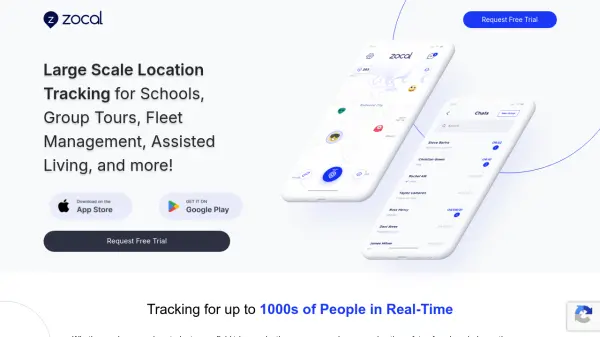
Zocal is a scalable location tracking solution designed for organizations that need to monitor large groups in real-time. Whether managing students on a field trip, coordinating a fleet of vehicles, or ensuring the safety of seniors during outings, Zocal provides a bird's-eye view of up to thousands of individuals simultaneously. The platform emphasizes energy efficiency, allowing continuous location sharing throughout the day without significant battery drain.
Privacy is a core feature of Zocal, with user-friendly settings that ensure only authorized personnel have access to location data. The platform is tailored for schools, group tours, fleet management, and assisted living facilities, offering robust privacy controls and real-time tracking capabilities.
Features
- Large-Scale Tracking: Track up to thousands of people or devices in real-time.
- Battery Efficient: Optimized for low power consumption, enabling continuous location sharing.
- Privacy Controls: User-friendly settings to restrict location access to authorized individuals.
- Real-Time Monitoring: Provides a live bird's-eye view of all tracked individuals.
Use Cases
- School field trip management
- Fleet tracking and logistics coordination
- Senior outing safety in assisted living
- Group tour participant tracking