What is Zethel?
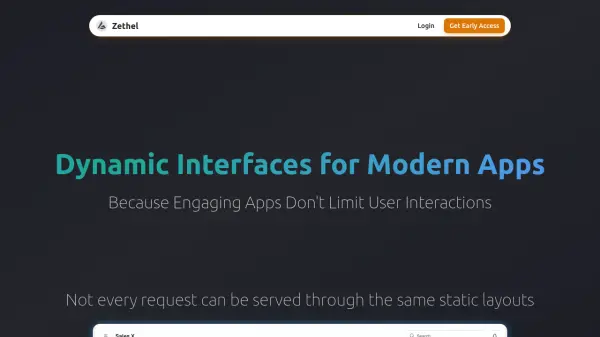
Zethel provides a solution for building dynamic interfaces that adapt to user interactions in real-time, moving beyond traditional static layouts. The platform allows developers to implement building blocks from a library of pre-made components or create custom ones from scratch, ensuring seamless integration with app branding and styles.
By connecting to data sources through API endpoints or OpenAPI specifications, including integration with Supabase, Zethel enables apps to understand user intent, perform requested actions, fetch relevant data, and construct interfaces dynamically. It supports multiple development approaches, including no-code, hybrid, and full-code options, with compatibility for frameworks like Flutter and React.
Features
- Dynamic Interfaces: Build responsive layouts that adapt to user interactions in real-time
- Component Library: Access pre-made components or create custom ones from scratch
- Data Integration: Connect to API endpoints, OpenAPI specs, or Supabase for seamless data handling
- Multi-Framework Support: Compatible with Flutter and React for flexible development
- Brand Customization: Apply branding and styles to match app aesthetics
Use Cases
- Developing user-responsive dashboards for financial apps
- Creating adaptive interfaces for e-commerce platforms
- Building dynamic components for customer-facing applications
- Enhancing user engagement in mobile and web apps
- Implementing real-time data visualization tools