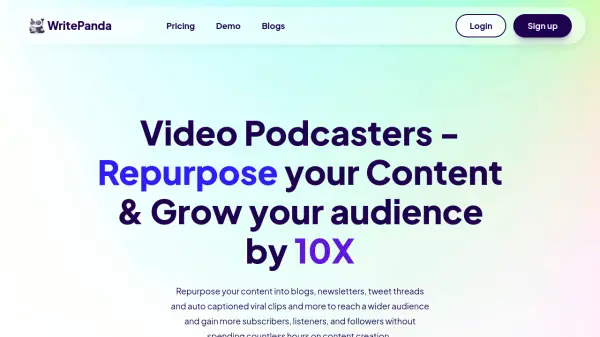
What is WritePanda?
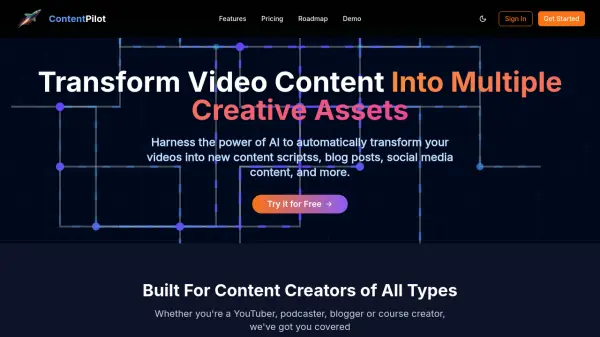
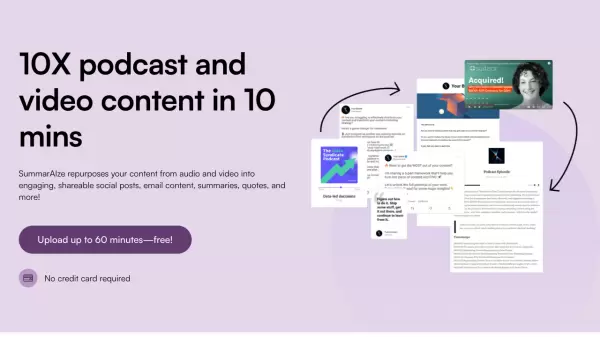
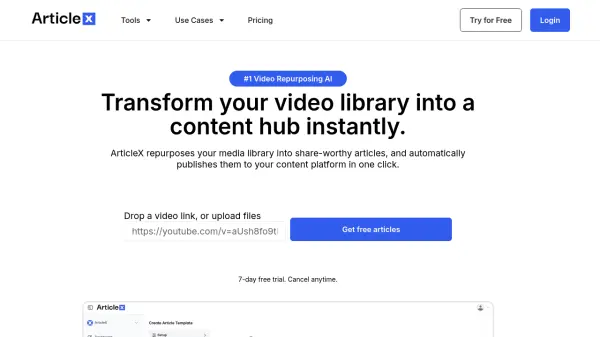
WritePanda is an AI-powered platform designed to help video podcasters and content creators maximize their reach and audience engagement. It leverages cutting-edge AI technology to repurpose long-form video and audio content into a variety of engaging formats.
The platform offers automated content repurposing, generating blogs, newsletters, tweet threads and viral short clips. WritePanda includes features for creating shownotes, timestamps, and descriptions to enhance discoverability. It also provides AI-powered face tracking to keep the primary speaker centered in video frames and the ability to add animated captions with customizable branding.
Features
- Automated Content Repurposing: Transforms videos and podcasts into blogs, newsletters, tweets, and viral clips.
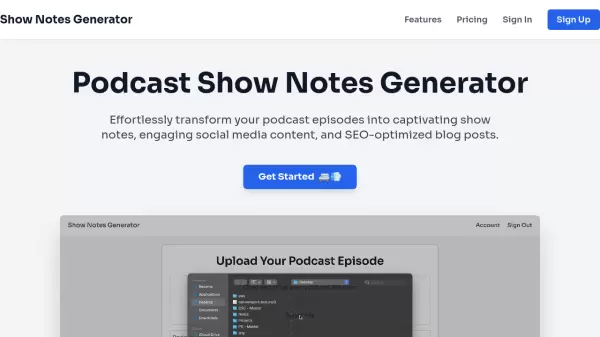
- Shownotes, Timestamps, Description Generation: Automatically creates shownotes, descriptions, timestamps, and titles.
- Viral Clip Creation: Identifies interesting hooks in long-form content to generate short, engaging clips.
- Animated Captions: Adds dynamic captions with highlighted spoken words and customizable branding.
- AI Face Tracking: Keeps the primary speaker centered in the video frame.
Use Cases
- Audio podcasters can transcribe audio and generate shownotes.
- YouTubers and video podcasters can repurpose videos into short clips.
- Coaches can generate action items and worksheets from coaching sessions.
- Sales teams can extract pain points and customer insights from sales calls.
- Customer discovery teams can identify customer needs and problems.
- Meeting organizers can generate summaries and action items from meetings.
FAQs
-
Who is WritePanda for?
WritePanda is designed for audio podcasters, YouTubers, video podcasters, coaches, sales teams, customer discovery teams, and anyone who needs to generate meeting summaries and action items. -
How does WritePanda work?
WritePanda uses AI to analyze uploaded video or audio content. It then automatically generates various forms of content, like blogs, newsletters, tweets, short clips, shownotes, and more. It can also add animated captions and track faces in videos. -
Do you offer a free trial?
The provided content does not mention whether WritePanda has free trial. -
Can I cancel my subscription at any time?
Yes, you can cancel your subscription at any time. You will still have access to the features until the end of the current billing period. -
Can we ask your AI questions outside of podcast?
The context does not provide information on whether users are able to ask AI questions outside of podcast.