
What is Workspace Power Tools?
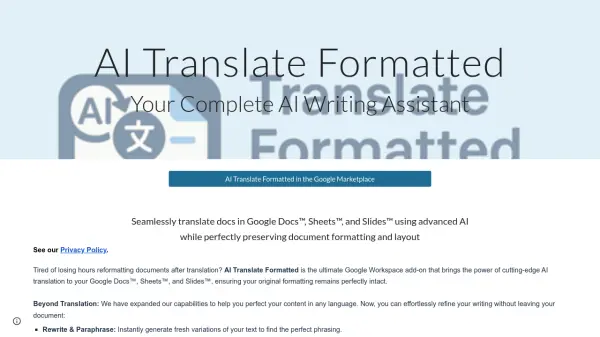
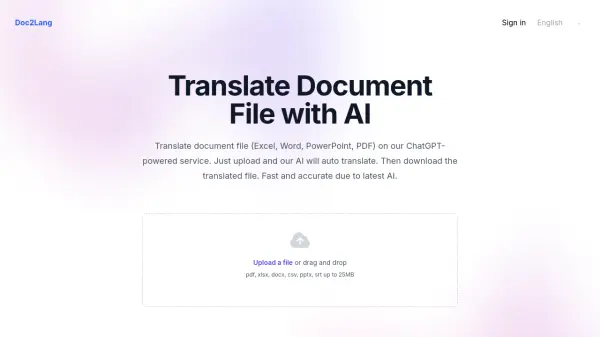
Workspace Power Tools provides a suite of AI-powered translation extensions specifically designed for Google Workspace applications. The platform includes AI Slides™ Translator, AI Docs™ Translator, and AI Sheets™ Translator, each leveraging advanced AI and GPT technology to deliver fast and accurate translation experiences.
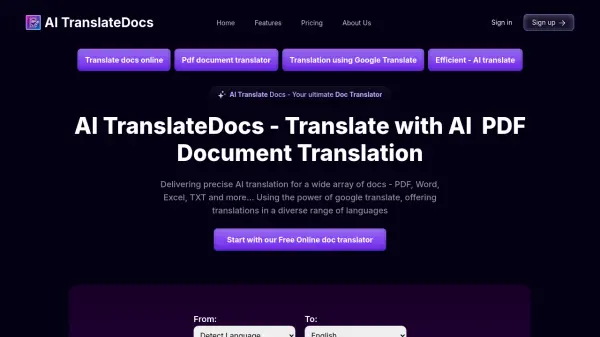
These tools eliminate the tedious process of manual translation by offering one-click translation of entire documents while automatically preserving original formatting and styles. Supporting over 100 languages, the solutions enable seamless global communication and significantly improve productivity for individuals and enterprises working with multilingual content.
Features
- One-Click Translation: Translate entire documents with a single click, greatly improving efficiency
- Automatic Formatting: Translated text automatically adopts the original styles, saving you the hassle of readjusting
- 100+ Languages Supported: Supports over 100 languages, enabling seamless global communication
- Powered by AI+GPT Technology: AI+GPT brings a smooth, natural, accurate and fast translation experience
- User-Friendly Interface: No learning curve required; experience fast adaptation
- Enterprise Deployment Friendly: Easily deploy translation tools across your entire enterprise, enabling all members to utilize them
Use Cases
- Translating sales presentations for global markets
- Creating multilingual company training materials
- Preparing marketing content for international audiences
- Collaborating on research with international partners
- Presenting consultancy findings in clients' native languages
- Maintaining visual consistency in cross-cultural design projects
- Breaking down language barriers in diverse workplaces
- Streamlining document translation for enterprise teams