What is WhatIsMyBrowser.com?
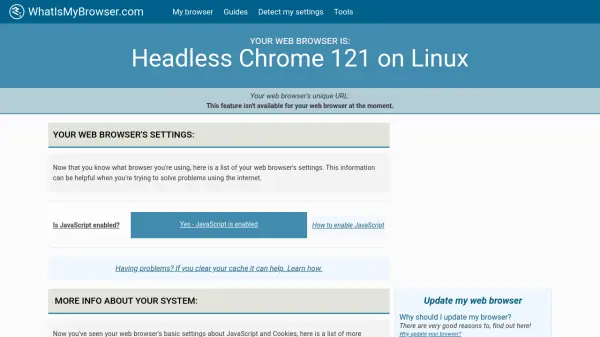
WhatIsMyBrowser.com is a comprehensive tool designed to detect and analyze your web browser's technical details and settings. It identifies your browser type, version, operating system, and key configurations such as JavaScript and cookie settings. This information is crucial for troubleshooting internet issues, ensuring software compatibility, and optimizing your browsing experience.
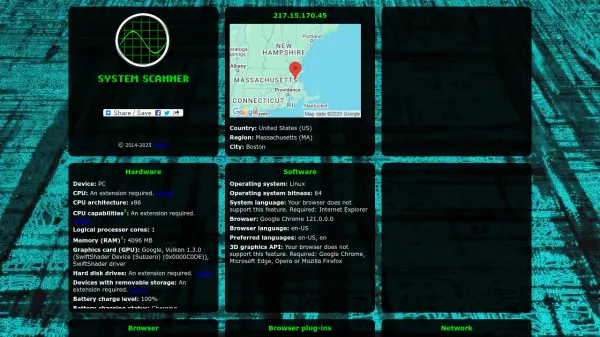
The tool provides detailed insights into your system, including IP address, location, screen resolution, and browser add-ons. It also offers guides to enable features like JavaScript and cookies, update your browser, and clear cache. With an API available for developers, WhatIsMyBrowser.com supports seamless integration for parsing user agent strings and accessing browser data programmatically.
Features
- Browser Detection: Identifies your web browser type, version, and operating system
- Settings Analysis: Checks JavaScript, cookies, and third-party cookie settings
- Technical Details: Provides IP address, location, screen resolution, and browser add-ons
- Guides and Tools: Offers step-by-step guides for enabling features and troubleshooting
- API Integration: Allows developers to parse user agent strings and access browser data programmatically
Use Cases
- Troubleshooting internet connectivity issues
- Ensuring browser compatibility for websites
- Optimizing browser settings for security and performance
- Providing technical details to IT support teams
- Developing applications that require browser detection
FAQs
-
How does WhatIsMyBrowser.com detect my browser settings?
It analyzes your user agent string and browser configurations to identify details like browser type, version, operating system, and settings such as JavaScript and cookies. -
Can I use WhatIsMyBrowser.com for free?
Yes, it offers a free basic plan with limited features, and paid plans are available for higher quotas and advanced functionalities. -
What information does the tool provide about my system?
It provides technical details including IP address, location, screen resolution, browser add-ons, and settings like JavaScript and cookies status. -
Is there an API available for developers?
Yes, an API is available for parsing user agent strings and accessing browser data programmatically, with various pricing tiers. -
How can I update my browser using this tool?
The tool offers guides and recommendations for updating your browser to ensure security and compatibility.