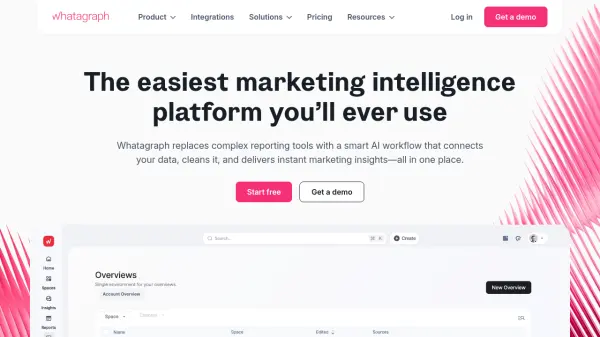
What is Whatagraph?
Whatagraph replaces complex reporting tools with a smart AI workflow that connects marketing data, cleans it, and delivers instant insights in one platform. The platform enables marketers to go from data to insights in seconds using AI-powered features like report creation, performance summaries, and interactive Q&A without requiring data science skills or juggling multiple tools.
Designed specifically for marketers rather than data teams, Whatagraph offers intuitive workflows with no technical setup, BI jargon, or steep learning curve. It centralizes reporting by connecting various data sources, cleaning the information, and providing visualization capabilities—all while maintaining data reliability and eliminating context-switching between different platforms.
Features
- Whatagraph IQ: AI-powered report creation, chat functionality, and performance summaries
- Cross-Channel Integration: Connects multiple marketing data sources into a single hub
- Automated Reporting: Generates client-ready reports with white-label customization options
- Data Visualization: Transforms complex marketing data into clear, actionable insights
- No-Code Platform: Intuitive interface requiring no technical expertise or data science knowledge
Use Cases
- Automating client reporting for marketing agencies
- Tracking ROI across multiple marketing channels for eCommerce businesses
- Centralizing marketing data visualization for global teams
- Generating performance summaries for campaign analysis
- Creating white-labeled reports for client presentations
FAQs
-
What is included in the Free plan?
The Free plan offers basic reporting with limited source credits, allowing connection of up to 5 data accounts. It includes essential integrations and serves as a freemium entry point that users can upgrade anytime for additional features. -
How do credits work in Whatagraph?
Credits represent connected data sources, with each source (such as a Facebook Ads account) costing 1 credit regardless of the subscription plan. Users can purchase extra credits until reaching the threshold for the next plan tier. -
Can I customize reports with my branding?
Yes, Whatagraph offers white-label customization including custom branding and report domains, particularly available in higher-tier plans like Boost and Max for professional client presentations. -
What types of integrations does Whatagraph support?
The platform integrates with numerous marketing data sources including Facebook Ads, Google Ads, Instagram, LinkedIn, Google Sheets, and over 50 additional platforms for comprehensive cross-channel data collection. -
Is technical expertise required to use Whatagraph?
No, Whatagraph is designed specifically for marketers without technical backgrounds, featuring an intuitive interface with no coding requirements, no BI jargon, and minimal learning curve for immediate productivity.