WFH Games favicon

WFH Games
Play while you work (or just play)

What is WFH Games?

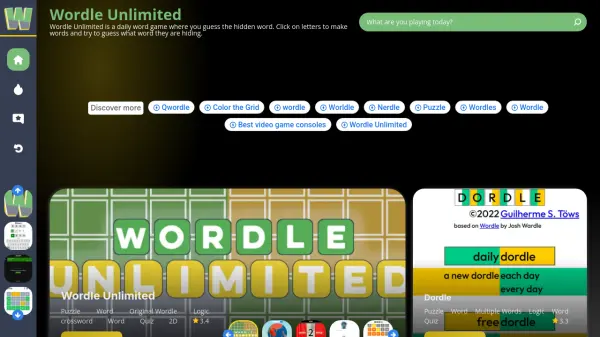
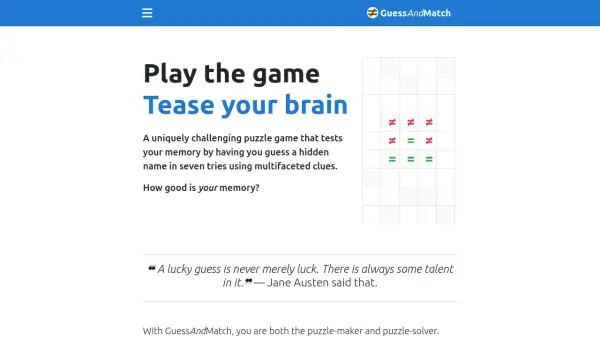
WFH Games provides a collection of homemade games created for individuals working from home, feeling bored at work, or commuting on public transit. The platform offers engaging puzzles that serve as mental escapes during breaks or downtime, with games like Word Zip, Cinema Circuit, and TV Circuit that challenge players' word skills and knowledge of actor connections.

The games are designed to make players feel smart while providing a fun distraction from daily routines. The creators encourage support through ko-fi donations to help maintain and develop new games for the community.

Features

  • Word Zip: Alternate letters and zip words together to score
  • Cinema Circuit: Find degrees of separation between movie actors
  • TV Circuit: Find degrees of separation between TV actors

Use Cases

  • Mental breaks during remote work sessions
  • Entertainment during boring work hours
  • Distraction during public transit commutes
  • Brain stimulation through word puzzles
  • Testing knowledge of actor connections

Related Tools:

Blogs:

  • Best AI tools for Room Design

    Best AI tools for Room Design

    Discover cutting-edge AI tools that redefine the art of room design. From layout optimization to aesthetic finesse, these top-tier tools enhance your space to new heights.

  • Best text to speech AI tools

    Best text to speech AI tools

    Text-to-speech (TTS) AI tools are designed to convert written or text-based content into natural-sounding spoken audio. These tools utilize various deep learning and neural network architectures to generate human-like speech from textual input.

  • Top 6 AI note-taking tools for 2026: in-person, online, and hybrid use cases

    Top 6 AI note-taking tools for 2026: in-person, online, and hybrid use cases

    Most AI note-taking lists are really lists of meeting bots, which join your video call and transcribe it. That's useful, but it's half the picture. Decisions happen in hallway conversations, client dinners, on-site visits, and hybrid rooms where nobody is on a video link. This guide covers different parts of the note-taking workflow: hardware capture for in-person settings, platform-native tools for online calls, and AI layers for organizing and synthesizing what you've captured. It compares six tools by capture context, workflow fit, pricing, and limitations.

Didn't find tool you were looking for?

Be as detailed as possible for better results