What is VoiceSona?
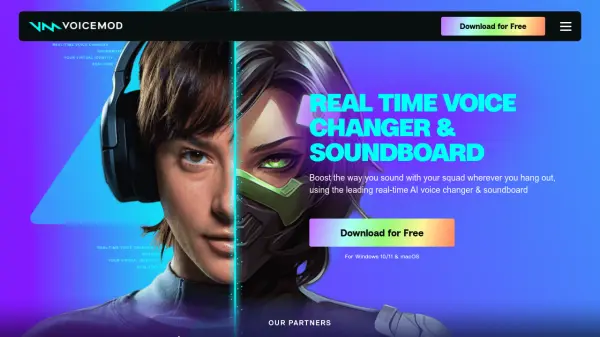
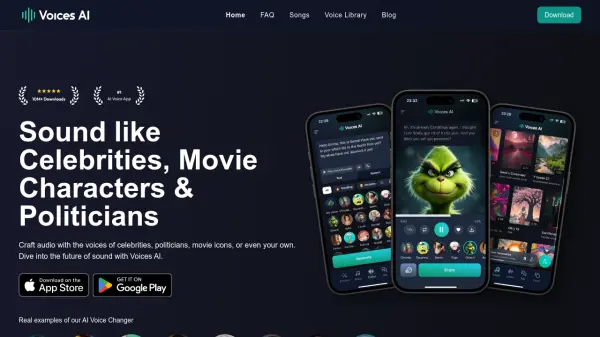
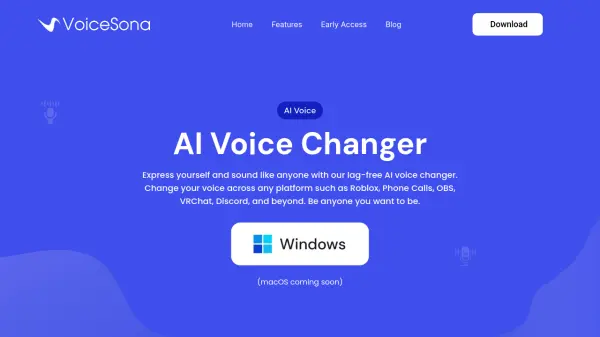
VoiceSona offers a real-time, AI-powered voice changing experience, enabling users to alter their voice to sound like anyone they choose. It operates seamlessly across numerous platforms including Discord, Roblox, VRChat, OBS, phone calls, and various games like Fortnite and GTA, without impacting computer performance or introducing lag. The technology behind VoiceSona ensures natural-sounding voice transformations, moving beyond simple voice filters to provide a more authentic and expressive vocal identity.
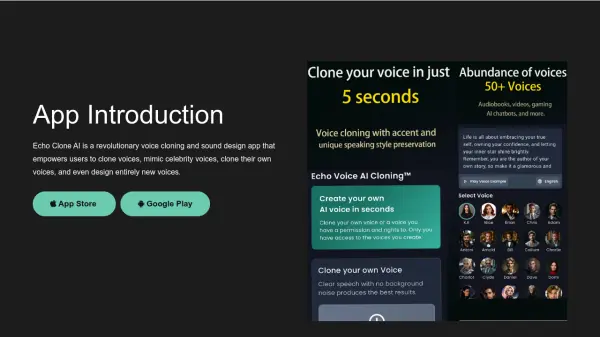
The platform provides access to thousands of community-generated voices and includes a voice cloning feature, allowing users to replicate any voice from a short audio sample for live use. VoiceSona prioritizes user privacy, ensuring that cloned voices are private by default and conversations are not saved or shared. It is designed for broad compatibility, working on Windows machines (Windows XP or newer) and offering unlimited usage for pro members.
Features
- AI Voice Changer: Modify your voice in real-time to sound like anyone using AI.
- Voice Cloning: Clone voices from short audio samples for personal use.
- Lag-Free Performance: Operates without impacting computer performance or causing delay.
- Cross-Platform Compatibility: Use on Discord, Roblox, VRChat, OBS, phone calls, games (Fortnite, GTA), and more.
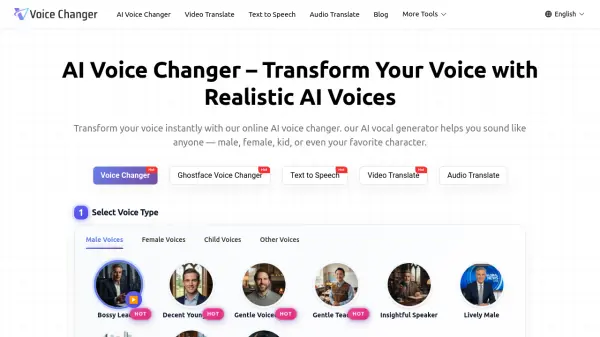
- Thousands of Voices: Access a large library of user-generated voices.
- Natural Sounding Output: AI ensures voices sound natural, not robotic.
- Privacy Focused: Cloned voices are private by default; conversations are not saved.
- Social Share: Built-in recorder to create and share clips instantly.
- Unlimited Usage (Pro): Pro users get unrestricted usage time.
Use Cases
- Enhancing online gaming experiences (Roblox, Fortnite, Valorant, GTA).
- Creating unique content for streaming.
- Adding fun to Discord calls with friends.
- Protecting voice identity during phone calls.
- Role-playing in games like Roblox.
- Expressing different personas online (e.g., Ghostface, Girl Voice, FTM/MTF adjustments).
- Creating viral clips for social media.
FAQs
-
Will VoiceSona slow down my computer or cause lag?
No, VoiceSona's voice changer operates without impacting your computer's performance locally. -
Can I use VoiceSona on any application or game?
Yes, VoiceSona works on every application and game. -
Is VoiceSona compatible with older computers?
VoiceSona works with any Windows machine running Windows XP or newer. -
Can I create my own voices?
Voice cloning is being slowly rolled out to loyal users as its safety is tested and is not widely available to the public yet.