Voclip favicon

Voclip
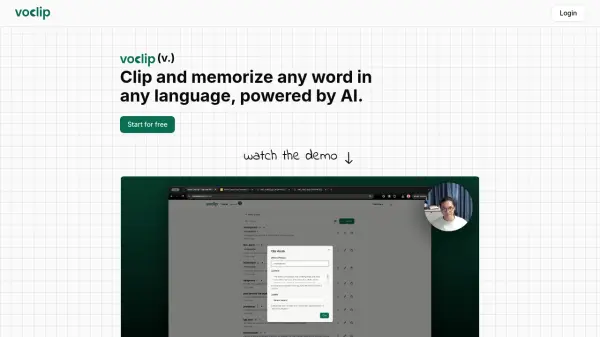
Clip and memorize any word in any language, powered by AI.

What is Voclip?

Voclip provides powerful features to make vocabulary learning effective and enjoyable. It leverages advanced AI to generate comprehensive explanations and usage examples for any word. Users can benefit from a smart flashcard system that incorporates spaced repetition, a proven technique for maximizing retention.

The platform supports learning vocabulary in multiple languages, offering customized context and pronunciation guidance for each.

Features

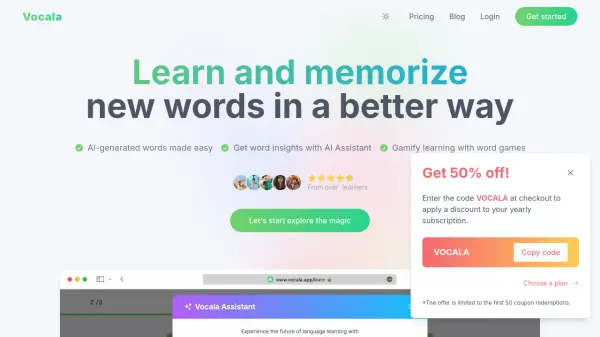
  • AI-Powered Learning: Generate detailed explanations and examples for any vocabulary word using advanced AI.
  • Smart Flashcards: Review vocabulary with spaced repetition to optimize your learning and retention.
  • Multi-Language Support: Learn vocabulary in any language with customized context and pronunciation.

Use Cases

  • Learning new vocabulary in a foreign language.
  • Improving vocabulary for standardized tests.
  • Enhancing vocabulary for professional communication.
  • Expanding vocabulary for personal enrichment.

FAQs

  • What makes Voclip different than other vocabulary apps?
    What makes Voclip different than other vocabulary apps?
  • What languages are supported?
    What languages are supported?
  • Is there a limit to how many words I can save?
    Is there a limit to how many words I can save?
Helpful for people in the following professions

Related Tools:

Blogs:

  • Long Videos into Viral Shorts

    Long Videos into Viral Shorts

    Klap.app is an AI-powered video editing tool that transforms long-form videos into engaging short clips optimized for platforms like TikTok, Instagram Reels, and YouTube Shorts

  • Top 6 AI note-taking tools for 2026: in-person, online, and hybrid use cases

    Top 6 AI note-taking tools for 2026: in-person, online, and hybrid use cases

    Most AI note-taking lists are really lists of meeting bots, which join your video call and transcribe it. That's useful, but it's half the picture. Decisions happen in hallway conversations, client dinners, on-site visits, and hybrid rooms where nobody is on a video link. This guide covers different parts of the note-taking workflow: hardware capture for in-person settings, platform-native tools for online calls, and AI layers for organizing and synthesizing what you've captured. It compares six tools by capture context, workflow fit, pricing, and limitations.

  • Top AI tools for Students

    Top AI tools for Students

    These AI tools are designed to enhance the learning experience for students. From personalized study plans to intelligent tutoring systems.

Didn't find tool you were looking for?

Be as detailed as possible for better results