Visa Bot favicon

Visa Bot
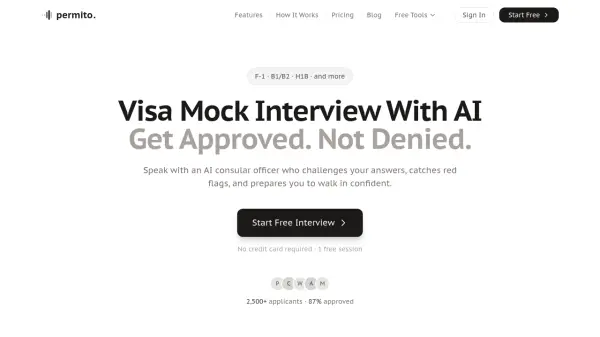
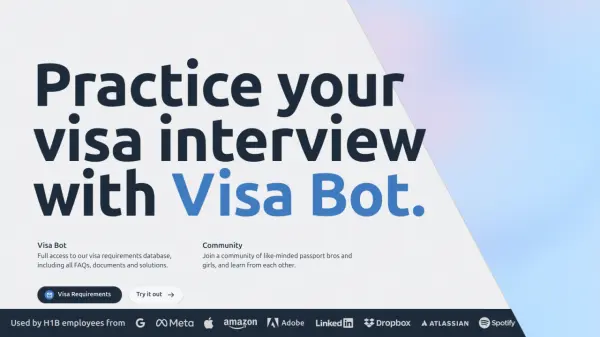
Practice your visa interview with AI.

What is Visa Bot?

Visa Bot is an innovative platform designed to assist individuals in preparing for their visa interviews. It leverages artificial intelligence to provide a realistic and informative practice experience.

The tool offers full access to an extensive database of visa requirements, including frequently asked questions, necessary documents, and potential solutions. Users can also connect with a community of fellow applicants to share experiences and learn from one another.

Features

  • Visa Interview Practice: Simulate visa interview scenarios.
  • Visa Requirements Database: Access comprehensive information on visa requirements.
  • Community Forum: Connect with other applicants for support and shared learning.
  • FAQ Access: Find answers to common visa-related questions.

Use Cases

  • Practicing for upcoming visa interviews.
  • Researching specific visa requirements for various countries.
  • Connecting with other visa applicants for advice and support.
  • Finding answers to frequently asked questions about the visa application process.

Related Queries

Helpful for people in the following professions

Related Tools:

Blogs:

  • Top AI tools for Teachers

    Top AI tools for Teachers

    Explore the top AI tools designed for teachers, revolutionizing the education landscape. These innovative tools leverage artificial intelligence to enhance teaching efficiency, personalize learning experiences, automate administrative tasks, and provide valuable insights, empowering educators to create engaging and effective educational environments.

  • Top 6 AI note-taking tools for 2026: in-person, online, and hybrid use cases

    Top 6 AI note-taking tools for 2026: in-person, online, and hybrid use cases

    Most AI note-taking lists are really lists of meeting bots, which join your video call and transcribe it. That's useful, but it's half the picture. Decisions happen in hallway conversations, client dinners, on-site visits, and hybrid rooms where nobody is on a video link. This guide covers different parts of the note-taking workflow: hardware capture for in-person settings, platform-native tools for online calls, and AI layers for organizing and synthesizing what you've captured. It compares six tools by capture context, workflow fit, pricing, and limitations.

Didn't find tool you were looking for?

Be as detailed as possible for better results