Vim Ninja favicon

Vim Ninja
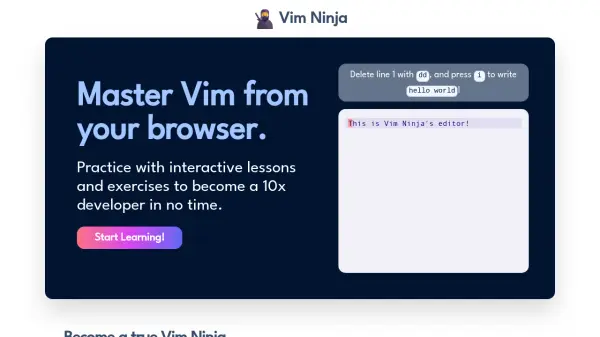
Master Vim from your browser with interactive lessons to become a 10x developer.

What is Vim Ninja?

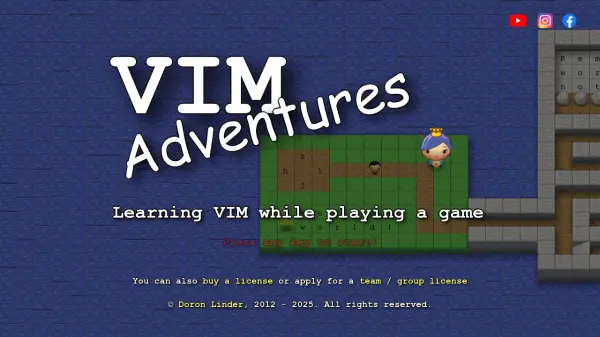
Vim Ninja provides an interactive learning platform for mastering Vim directly from a web browser. The course includes 16 lessons across 4 units, with approximately 5 interactive exercises per lesson, designed to enhance coding efficiency through practical application.

Users can practice Vim commands like deleting lines with 'dd' and inserting text with 'i' in real-time scenarios. The platform eliminates the need for local setup, allowing learning on any device, and offers lifetime access with a one-time payment model.

Features

  • Interactive Lessons: Practice Vim commands with hands-on exercises in real-time
  • Browser-Based Learning: Access the course from any device without local setup or installation
  • Lifetime Access: Pay once for unlimited access to all current and future course content
  • Structured Curriculum: 16 lessons across 4 units with approximately 5 exercises per lesson

Use Cases

  • Learning Vim commands and shortcuts efficiently
  • Improving coding speed and developer productivity
  • Practicing Vim on multiple devices without setup
  • Enhancing text editing skills for programming tasks

Related Tools:

Blogs:

  • Best text to speech AI tools

    Best text to speech AI tools

    Text-to-speech (TTS) AI tools are designed to convert written or text-based content into natural-sounding spoken audio. These tools utilize various deep learning and neural network architectures to generate human-like speech from textual input.

  • Long Videos into Viral Shorts

    Long Videos into Viral Shorts

    Klap.app is an AI-powered video editing tool that transforms long-form videos into engaging short clips optimized for platforms like TikTok, Instagram Reels, and YouTube Shorts

  • Top 6 AI note-taking tools for 2026: in-person, online, and hybrid use cases

    Top 6 AI note-taking tools for 2026: in-person, online, and hybrid use cases

    Most AI note-taking lists are really lists of meeting bots, which join your video call and transcribe it. That's useful, but it's half the picture. Decisions happen in hallway conversations, client dinners, on-site visits, and hybrid rooms where nobody is on a video link. This guide covers different parts of the note-taking workflow: hardware capture for in-person settings, platform-native tools for online calls, and AI layers for organizing and synthesizing what you've captured. It compares six tools by capture context, workflow fit, pricing, and limitations.

Didn't find tool you were looking for?

Be as detailed as possible for better results