What is Videostew?
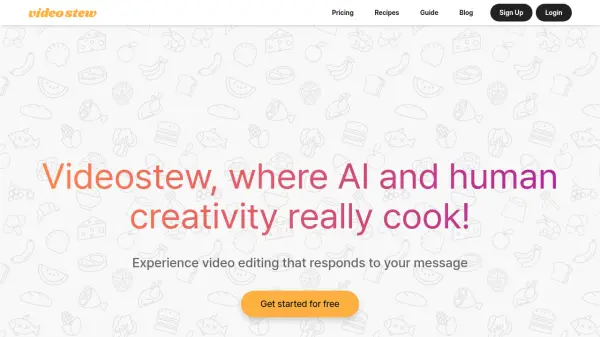
Videostew revolutionizes video creation by combining AI automation with user-friendly editing tools. The platform enables quick video drafting from text, voice, or blog URLs, while offering professional-grade editing capabilities through a browser-based interface.
The solution features an extensive library of royalty-free assets, including stock media, AI voice generation, and automated captioning. With cloud-based rendering and real-time preview capabilities, users can create professional videos without requiring high-end hardware.
Features
- Recipe-based Editing: Platform-optimized templates for different content purposes
- AI Draft Generation: Quick video creation from text, voice, or blog URLs
- Asset Library: Millions of royalty-free stock media, music, and fonts
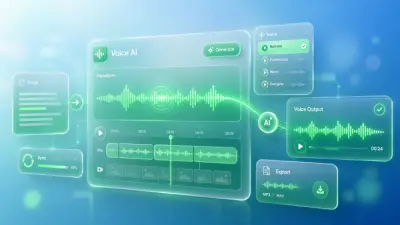
- AI Voice Generation: Clone voices and generate custom narrations
- Magic Resizing: Automatic video reformatting for different platforms
- Team Collaboration: Real-time project management and team workspaces
- Auto Captioning: One-click automatic subtitle generation
- Brand Recipe Creation: Customizable templates for consistent branding
Use Cases
- Social media content creation
- YouTube video production
- Corporate communications
- News content transformation
- Educational content development
- Marketing material creation
- Brand storytelling
- Internal training videos
FAQs
-
How long does the free trial last?
Videostew offers a 14-day free trial period with full access to features and the ability to distribute created videos on any channel. -
What is the rendering time allocation?
Each plan includes monthly rendering time limits. One minute of video rendering consumes one minute of the allocated time, regardless of content complexity. -
Can unused rendering time be carried over?
Yes, unused rendering time from the previous month can be carried over and used after current month's allocation is depleted.