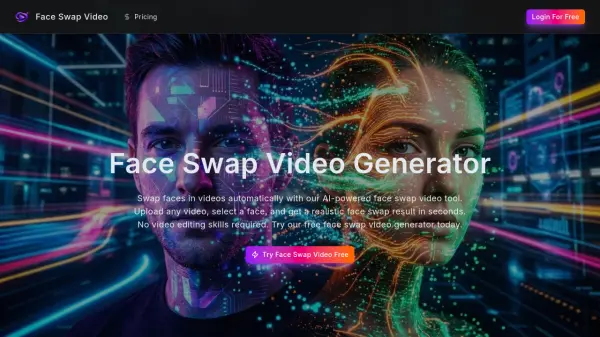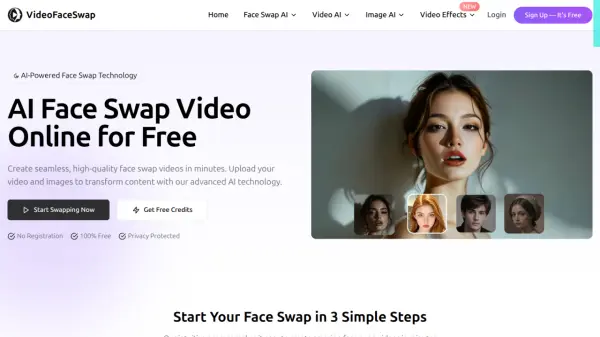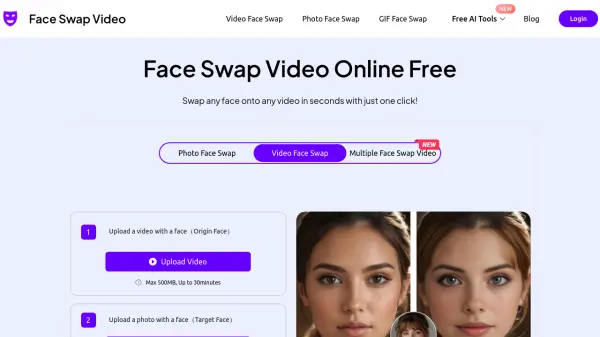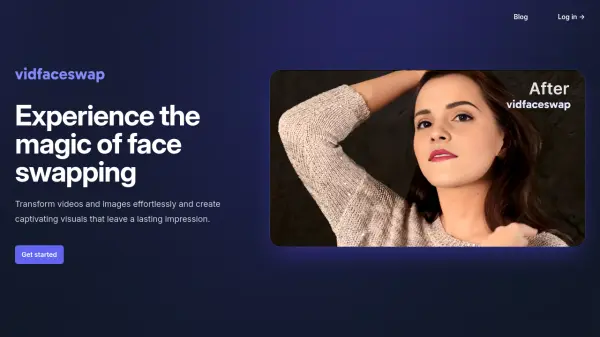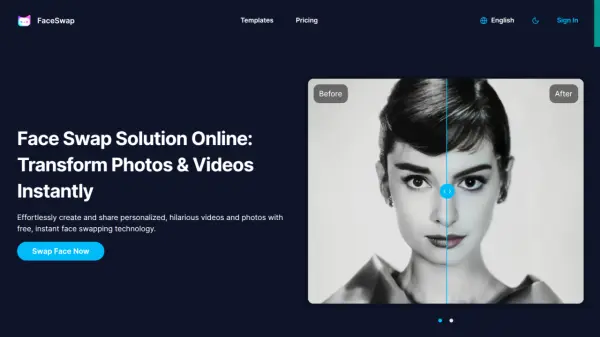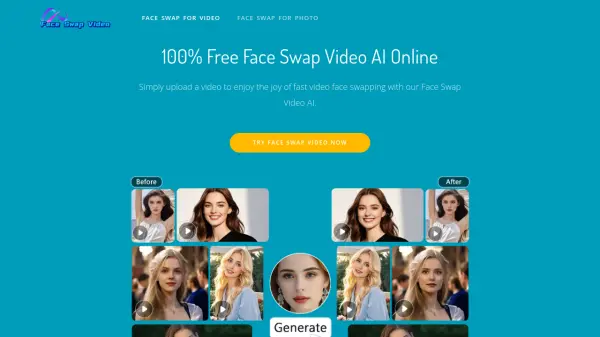
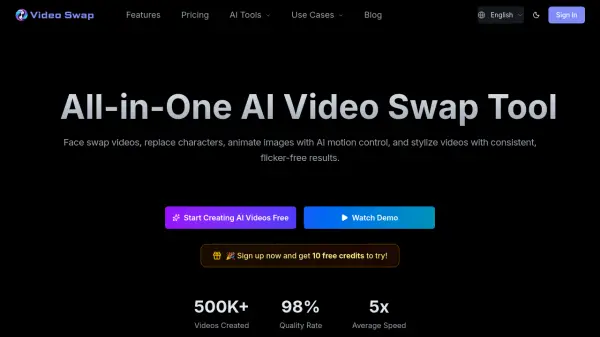
What is Video Swap?
Powered by artificial intelligence, Video Swap transforms uploaded media into polished video content directly in a modern web browser. It can replace faces or full characters while preserving expressions, lighting, movement, and scene consistency. The platform can also bring static images to life using motion from a reference video.
Creators can apply preset styles, reference images, or text prompts to achieve consistent visual results with reduced flickering. Automated processing makes the platform accessible to beginners, while HD downloads and commercial-use rights support professional content production.
Features
- Video Face Swap: Replaces a face in a video while keeping expressions, lighting, and movement as stable and natural as possible.
- Character Swap: Replaces full characters while maintaining consistency across the original scene.
- AI Motion Control: Animates a static character image by transferring motion from a reference performance video.
- Video Style Transfer: Applies preset styles, style images, or text prompts to videos with consistent, flicker-free results.
- Browser-Based Processing: Generates and downloads AI videos without requiring desktop software or professional editing experience.
Use Cases
- Create face-swapped videos for TikTok, Reels, Shorts, and meme edits.
- Produce localized advertising variants by replacing characters in the same scene.
- Animate static photos or illustrations using motion from a reference video.
- Convert multiple videos into a consistent visual style for a brand or content channel.
- Create multiple virtual host or brand spokesperson versions from one talking-head video.
- Transfer a recorded performance to an illustrated character for short films and studio projects.
How It Works
Upload Source Media
Upload the required face or character image, source video, reference performance, or style input for the selected transformation.
Choose a Video Tool
Select Video Face Swap, Character Swap, AI Motion Control, or Video Style Transfer and configure the available effect or quality options.
Generate the Video
Start generation and allow the platform to process the media automatically using AI.
Download the Result
Review the generated video and download the completed output when satisfied.
FAQs
-
Does Video Swap require software installation?
No. It runs entirely in a modern web browser and can be accessed from a computer, tablet, or phone without installing a client. -
Can beginners use Video Swap?
Yes. Users only need to upload their media, select an effect, and start generation. AI calculations and video processing are completed automatically in the background. -
Can generated videos be used commercially?
Yes. The paid plans include a commercial-use license. Users must have legal rights to their input materials and comply with the platform's terms and applicable copyright laws. -
What are the upload limits?
The stated maximum clip length is 10 to 15 seconds, depending on the selected feature, and the maximum file size is 50 MB. Longer or larger media may need to be divided into shorter segments or may require a higher-tier plan. -
Do unused credits expire?
One-time credit packages do not expire. Subscription credits refresh monthly, and unused subscription credits are reset when the subscription renews.