What is VidFaceSwap?
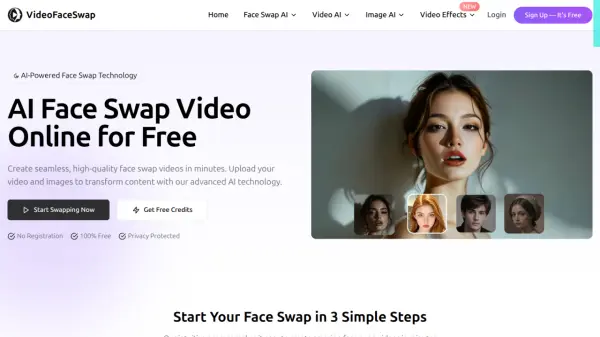
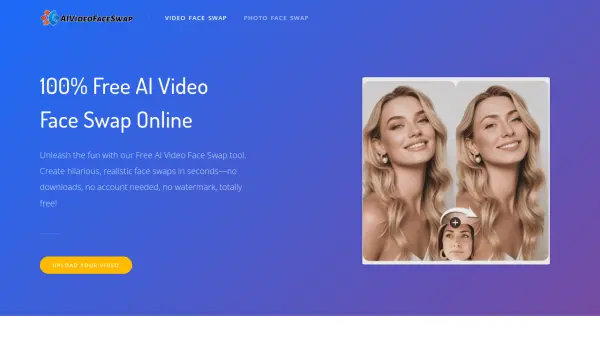
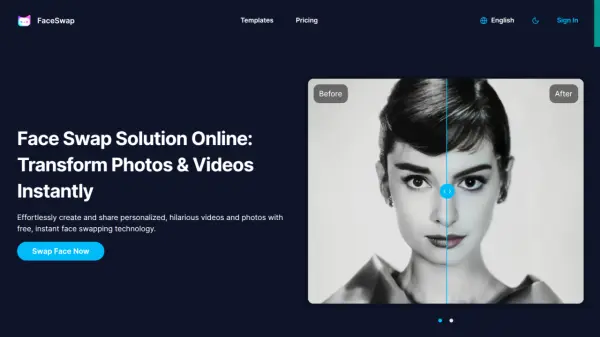
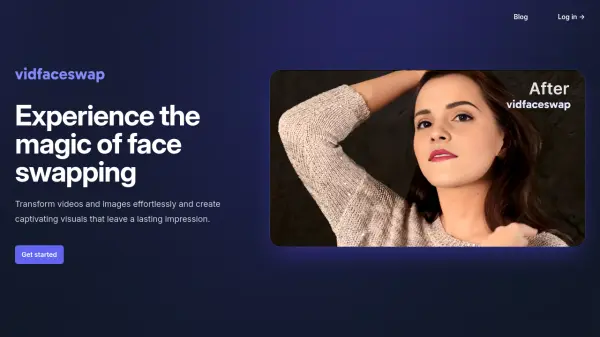
VidFaceSwap provides a platform for creating face swaps in both videos and images using artificial intelligence. It focuses on delivering high-quality, seamless results, allowing users to transform their visual content effortlessly. The tool is designed with a user-friendly interface, making the face swapping process accessible even for those without technical expertise.
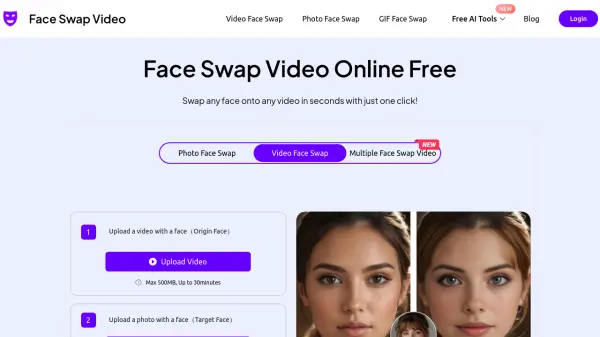
Prioritizing user privacy, VidFaceSwap employs a security-focused approach to safeguard data during the creation process. Users can achieve their desired visual effects by following a simple workflow: upload the target video or image, then upload the face intended for the swap. The platform handles the transformation, enabling users to bring their creative visions to life with ease.
Features
- Video Face Swapping: Transform faces within video content.
- Image Face Swapping: Swap faces in static pictures.
- High-Quality Results: Achieves seamless and precise face transformations.
- User-Friendly Interface: Offers a simple and easy-to-navigate platform.
- Privacy-Focused Approach: Safeguards user data with a focus on security.
- Flexible Credit Pricing: Utilizes a credit-based system for video swaps.
- Free Daily Image Swaps: Provides 5 free image swaps per day.
Use Cases
- Creating humorous or entertaining content.
- Personalizing videos and images for specific audiences.
- Enhancing visual storytelling elements.
- Developing unique marketing and advertising visuals.
- Generating engaging social media posts.
- Producing memes and viral content.