What is Url to Text?
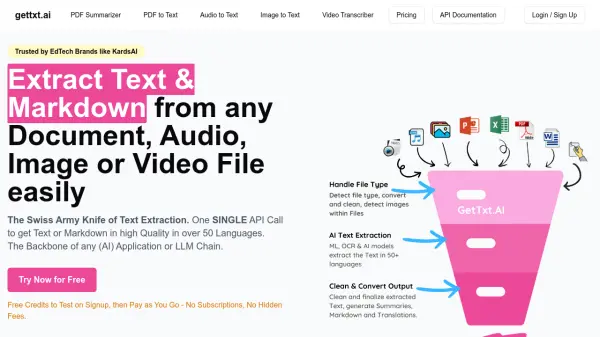
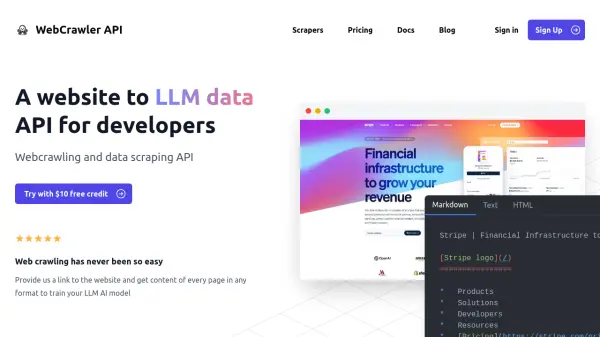
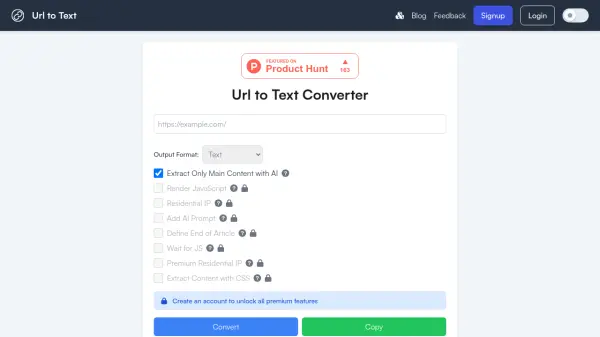
Url to Text is an online tool designed to convert the content of web pages into various formats, including plain text, Markdown, and HTML. This functionality allows users to extract the textual information from any URL, making it readily accessible for different applications.
The tool provides several options to customize the extraction process. Users can choose to extract only the main content using AI, render JavaScript to capture dynamically loaded information, and more by creating account. It also supports the conversion of YouTube URLs, providing transcripts for video content.
Features
- Text Output: Get the raw text content of a webpage.
- Markdown Output: Get the webpage content in Markdown format.
- HTML Output: Get the webpage content in HTML format.
- AI Content Extraction: Extract only the main relevant content using AI (requires account).
- JavaScript Rendering: Render JavaScript on the page before conversion (requires account).
- Residential IP: Use a residential IP address (requires account).
- Add AI Prompt: Add custom AI prompts for extraction (requires account).
- Define End of Article: Stop extraction at a specified point (requires account).
- Wait for JS: Wait for JavaScript to load before fetching content (requires account).
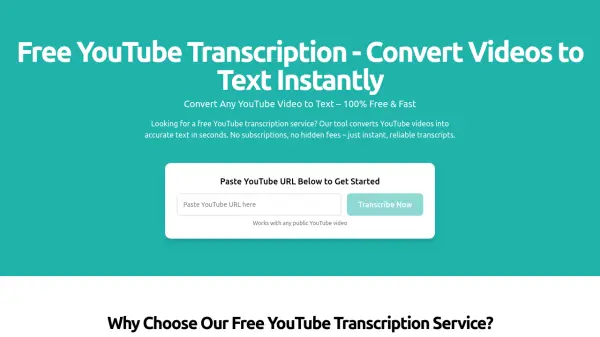
- YouTube URL Conversion: Get free transcripts by inputting YouTube URLs.
Use Cases
- Content extraction for analysis
- Creating text versions of web pages
- Generating Markdown documentation from web content
- Obtaining transcripts of YouTube videos
- Data scraping for research
- Website content archiving
- Developing text-based datasets
FAQs
-
What types of URLs can I convert?
We can convert any valid URL with HTML and CSS content. We also support JavaScript-heavy sites through our JavaScript rendering feature. Additionally, you can input YouTube URLs to get free transcripts. -
Is there a limit to how many URLs I can convert?
The free version has rate limits applied. For unlimited access and a robust API, please sign up for our paid version. -
Does the tool preserve formatting and images?
The tool does not preserve images. For formatting, if you select markdown output, it preserves the formatting that markdown supports. Plain text output does not retain formatting. -
Is my data secure when using this tool?
We prioritize data security. We only collect basic web analytics for rate limiting and service protection. While we process the data from URLs you input, we do not sell this information to third parties or examine it unless necessary for debugging. -
Are there other tools available?
Yes, we offer additional tools. You can access them through the 'Other Products' menu item at the top of the screen.