What is Unicorn Hatch?
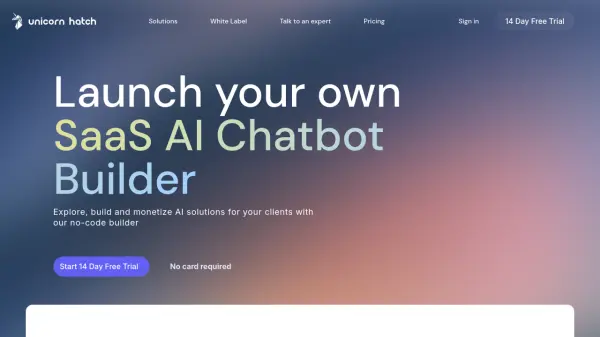
Unicorn Hatch empowers agencies with a comprehensive no-code platform for building and deploying white-labeled AI chatbots. The platform combines stunning user interfaces with state-of-the-art AI capabilities, enabling agencies to create customized conversational solutions for their clients.
Through its intuitive drag-and-drop interface, agencies can create guided flows, automate FAQs, and integrate workflows while leveraging over 40 large language models including GPT-3.5 Turbo, GPT-4, and Meta Llama. The platform offers powerful features like conversational insights, interactive forms, and product discovery tools to help businesses improve conversion rates and reduce customer support overheads.
Features
- AI Language Models: Access to 40+ LLMs including GPT-3.5 Turbo, GPT-4, and Meta Llama
- Visual Flow Builder: No-code drag-and-drop interface for creating conversation flows
- Interactive Forms: Custom form creation for lead generation and customer support
- Conversational Insights: Real-time analysis of customer conversations
- White Label Solution: Fully customizable branding for agency clients
- Product Discovery: AI-powered product recommendation system
- Magic Overlay: Customizable chat interface for websites
Use Cases
- Lead generation automation
- Customer support automation
- Product recommendations
- Client website enhancement
- Customer data collection
- FAQ automation
- Customer preference analysis
FAQs
-
How many Magic Overlays can I create?
You can create as many Magic Overlays as you need and add it to your website. Each Magic Overlay is independently customisable. -
What if I need more messages just for this month?
You can upgrade to the next plan. This will give you more messages and forms. You can immediately downgrade to the original plan and you will have the messages and forms till the end of the billing month. -
Do I need to add my card details to start the free trial?
No you don't need to add card details to start the plan. You will be prompted to add the card details when you pick a plan after the free trial expires. -
How can I get an invoice?
We email you the invoice after successful payments.