What is U-Eyes?
U-Eyes is a Chrome extension designed as a mobile device simulator for responsive testing, mock-up creation, and website preview. It provides a rich selection of over 35 popular mobile devices to emulate, enabling accurate preview and debugging of websites on various screen sizes and resolutions. The tool includes powerful screenshot and recording capabilities, allowing users to capture high-quality images and screencasts of mobile views for documentation, sharing, and showcasing browsing experiences.
With features like automated capturing to streamline mobile testing workflows and an easy-to-use interface for seamless device selection and interaction, U-Eyes helps ensure optimal mobile user experiences. It also offers free high-quality mockups for popular mobile devices, making it a comprehensive solution for developers and designers focused on mobile optimization.
Features
- Device Emulation: Simulates 35+ mobile devices for accurate website preview and debugging
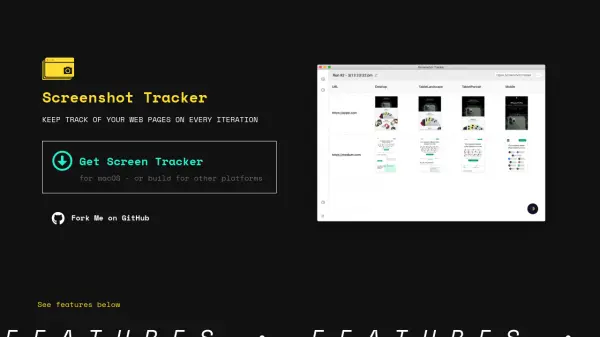
- Screenshot Capture: Captures high-quality screenshots of mobile views for documentation and sharing
- Screen Recording: Records screencasts to effectively showcase mobile browsing experiences
- Automation: Automates capturing to streamline mobile testing workflows
- User Interface: Easy-to-use interface for seamless device selection and interaction
- Mockups: Provides free high-quality mockups for popular mobile devices
Use Cases
- Responsive website testing on multiple mobile devices
- Creating mock-ups for mobile app or website designs
- Debugging mobile view issues on websites
- Documenting mobile user experiences with screenshots
- Showcasing mobile browsing experiences through recorded screencasts
- Streamlining mobile testing workflows with automated capturing