Twitdget favicon

Twitdget
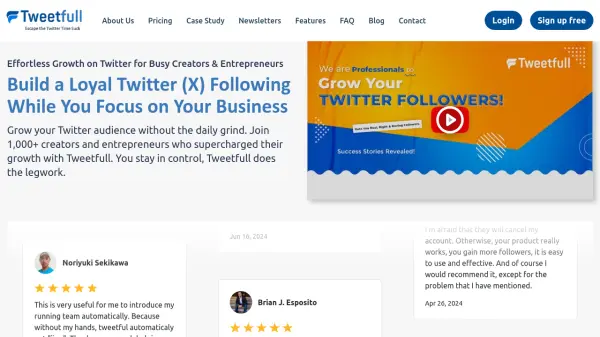
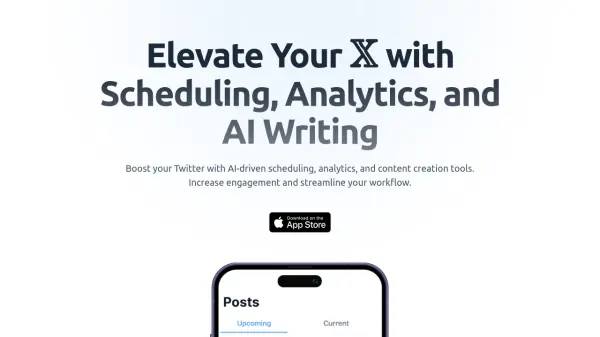
Elevate Your 𝕏 with Scheduling, Analytics, and AI Writing

What is Twitdget?

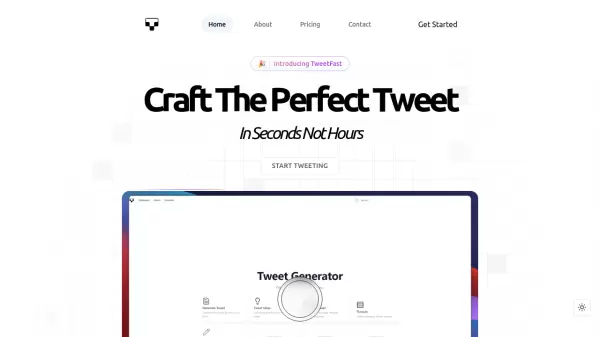
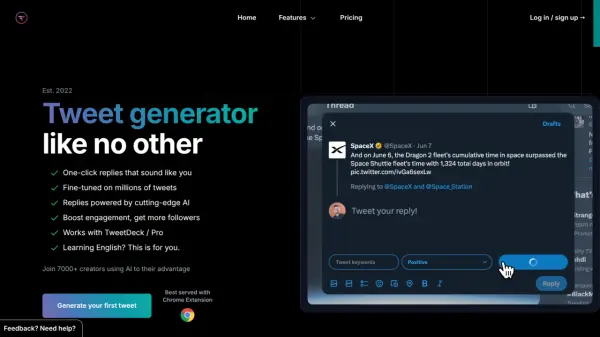
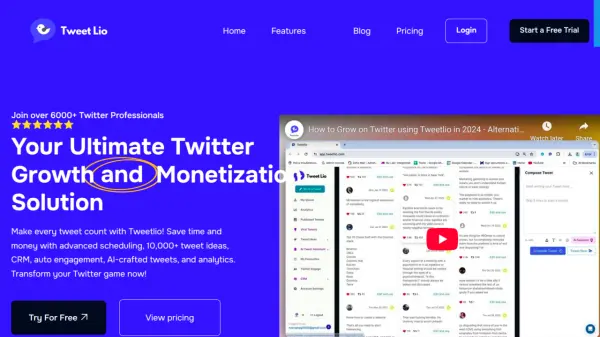
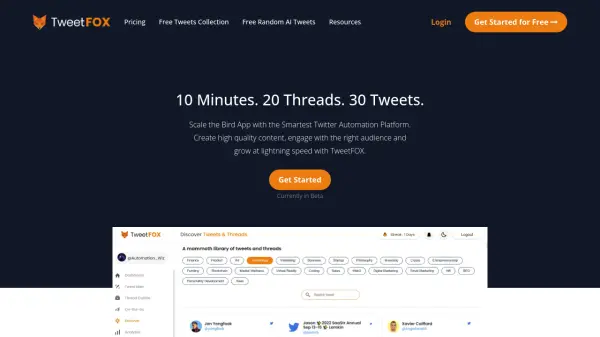
Twitdget is a comprehensive tool designed to enhance and optimize the Twitter experience. It leverages Artificial Intelligence to assist users in managing their Twitter accounts more effectively.

The platform provides advanced features, including AI-driven content suggestions, automated post scheduling, and in-depth analytics. Twitdget helps users increase their engagement and optimize their Twitter strategy.

Features

  • Content plan with AI: Create tailored content plans with AI insights.
  • Schedule effortlessly: Automate and optimize your post schedule seamlessly.
  • AI ideas and rewrites: Get AI-driven content ideas and rewrites for impactful posts.
  • Powerful analytics: Gain deep insights with comprehensive analytics.
  • Gamification: Engage more with gamified features.
  • Publication everywhere: Easily publish across various platforms.

Use Cases

  • Automating tweet scheduling to maintain consistent visibility.
  • Analyzing tweet performance and audience engagement.
  • Generating engaging tweet content using AI suggestions.
  • Optimizing Twitter strategy based on detailed analytics.
  • Creating tailored content plans with AI.

Related Tools:

Blogs:

  • Best ai tools for Twitter Growth

    Best ai tools for Twitter Growth

    The best AI tools for Twitter's growth are designed to enhance user engagement, increase followers, and optimize content strategy on the platform. These tools utilize artificial intelligence algorithms to analyze Twitter trends, identify relevant hashtags, suggest optimal posting times, and even curate personalized content.

  • Best AI tools for Lawyers

    Best AI tools for Lawyers

    streamline legal processes, enhance research capabilities, and improve overall efficiency in the legal profession.

  • Top 6 AI note-taking tools for 2026: in-person, online, and hybrid use cases

    Top 6 AI note-taking tools for 2026: in-person, online, and hybrid use cases

    Most AI note-taking lists are really lists of meeting bots, which join your video call and transcribe it. That's useful, but it's half the picture. Decisions happen in hallway conversations, client dinners, on-site visits, and hybrid rooms where nobody is on a video link. This guide covers different parts of the note-taking workflow: hardware capture for in-person settings, platform-native tools for online calls, and AI layers for organizing and synthesizing what you've captured. It compares six tools by capture context, workflow fit, pricing, and limitations.

Didn't find tool you were looking for?

Be as detailed as possible for better results