What is TurboLearn?
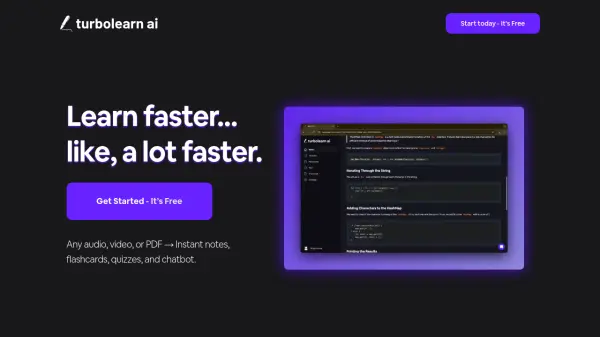
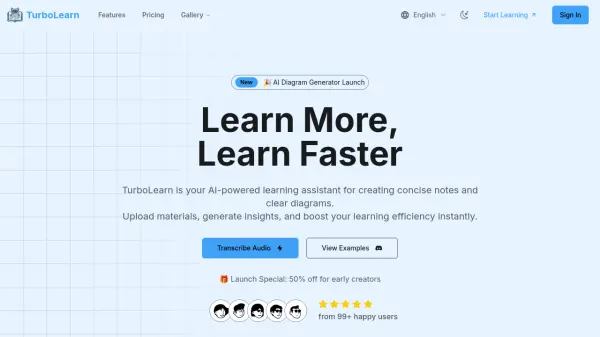
TurboLearn functions as an AI-driven educational tool designed to assist users in processing and understanding complex study materials. By leveraging advanced artificial intelligence, it converts uploaded documents, such as textbooks or lecture notes, into simplified learning aids. The primary outputs are comprehensive, concise study notes and various types of visual diagrams.
The platform automatically analyzes educational content to extract key concepts and relationships. Users can generate different visual representations like concept maps, flowcharts, and timelines to better grasp intricate topics. Furthermore, TurboLearn offers customization options, allowing users to adjust the style, layout, and formatting of both notes and diagrams to align with their individual learning preferences. The generated materials can be exported in multiple standard file formats for offline study or sharing.
Features
- AI Note Generation: Automatically creates concise study notes from uploaded materials.
- Smart Diagram Creation: Generates visual diagrams like concept maps and flowcharts to illustrate relationships and processes.
- Smart Content Analysis: AI technology analyzes educational content to extract key information.
- Custom Formatting: Allows users to adjust the style, layout, and colors of notes and diagrams.
- Multi-Format Export: Supports downloading notes (PDF, DOCX, Markdown) and diagrams (PNG, JPG, SVG).
- Study Collections: Enables users to save and organize generated materials by subject or course.
- Smart Search: Provides functionality to search for specific concepts within generated notes and diagrams.
Use Cases
- Generating concise summaries from lengthy textbooks or lecture notes.
- Creating visual aids like flowcharts or concept maps to understand complex topics.
- Improving study efficiency and retention of information.
- Developing clear educational materials for teaching purposes.
- Facilitating collaborative learning through easily shareable notes and diagrams.
FAQs
-
How does TurboLearn's AI note generation work?
Simply upload your study materials, and our AI technology will analyze the content to generate concise, well-structured notes highlighting key concepts and relationships. -
What types of diagrams can I create?
You can create various diagrams including concept maps, flowcharts, process diagrams, timelines, and relationship charts. Our AI understands different educational contexts. -
What file formats are available for download?
TurboLearn provides notes in PDF, DOCX, and markdown formats, while diagrams are available in PNG, JPG, and SVG formats for both digital use and printing. -
Can I customize the notes and diagrams?
Yes! You can fully customize formatting, colors, layout, and organization to match your learning style and preferences. -
Can I modify notes after generation?
Yes! You can refine any generated notes by editing content, adding annotations, or requesting variations through our AI system.