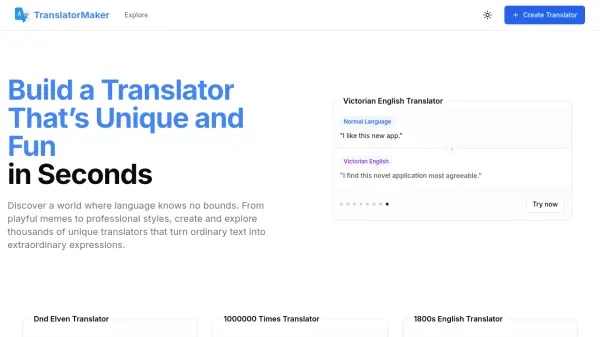
What is TranslatorMaker?
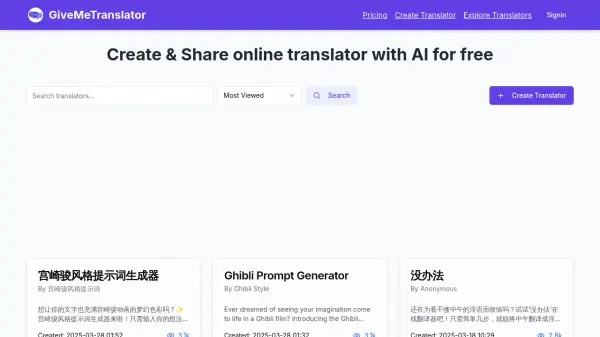
TranslatorMaker provides an AI-driven platform where users can build and utilize distinct language translators. It empowers individuals to convert standard text into extraordinary expressions, moving beyond literal translation to embrace diverse styles ranging from playful memes to specific professional tones.
The platform utilizes advanced artificial intelligence to facilitate the creation of high-quality, creative translations. Users can explore thousands of existing translators made by the community or develop their own unique styles. It caters to various needs, offering options like historical dialects (e.g., Victorian English, Ancient Greek), regional slang (e.g., Aussie Slang, Quebecker French), fictional languages (e.g., Sindarin, D&D Elven), technical conversions (e.g., Arabic Numbers, Pinyin), and humorous transformations (e.g., Bad Translator, Roast Comeback).
Features
- Custom Translator Creation: Build unique translators tailored to specific styles or needs.
- AI-Powered Translations: Utilizes advanced AI for creative and nuanced text transformations.
- Extensive Translator Library: Explore and use thousands of pre-existing translators created by the community.
- Diverse Style Options: Supports translations into historical languages, slang, fictional dialects, technical formats, accents, and humorous styles.
- Community Sharing: Share created translators and discover unique ones from other users.
Use Cases
- Creating unique content for social media or marketing.
- Adding authentic dialect or historical language to creative writing.
- Engaging in role-playing games with specific character voices or languages.
- Learning about linguistic variations and historical languages interactively.
- Generating humorous or stylized text for entertainment.
- Localizing content with specific regional or cultural language nuances.
- Exploring creative language transformation possibilities.
FAQs
-
What distinguishes TranslatorMaker from standard translation tools?
TranslatorMaker focuses on transforming text into diverse creative styles using AI, including historical dialects, slang, and fictional languages, rather than solely providing literal translations. It also features a community platform for sharing and discovering unique translators. -
Is it possible to build custom translators on the platform?
Yes, TranslatorMaker allows users to create their own unique translators tailored to specific styles or purposes. -
What types of translation styles are available?
The platform offers a wide variety of styles, including historical English (Victorian, Shakespearean, etc.), regional dialects (Aussie, Scottish, etc.), fictional languages (Sindarin, Elven), technical conversions (numbers, scripts), humorous styles (Bad Translator, 100 Times), and many more community-created options.