
What is translatesubtitles.com?
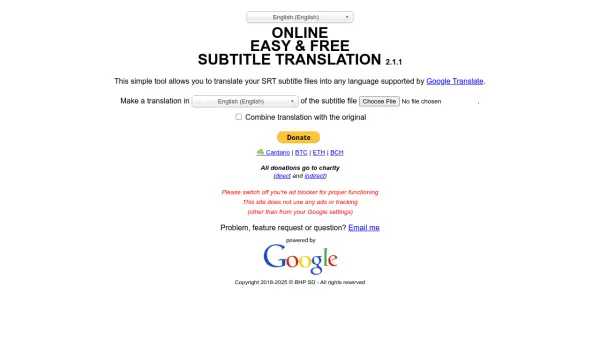
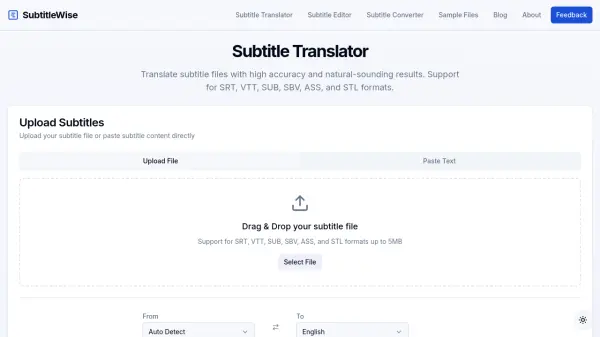
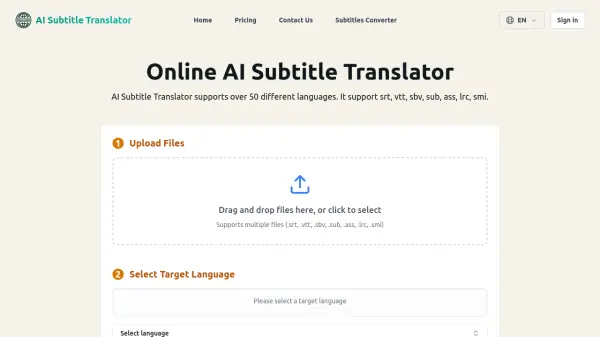
Translate Subtitles provides an online platform for automatic subtitling translation from one language to another. The tool supports various subtitle formats including SRT, SUB, SBV, ASS, VTT, and STL files. Users can upload subtitle files and select their desired target language for translation.
The platform offers multiple translation options including Subtitles Translator V1 for visible content translation, Subtitles Translator V2 for automatic translation without editing, and Multi Subtitles Translator for handling up to 20 files simultaneously. An integrated subtitle editor allows for time correction and translation adjustments after the automatic translation process.
Features
- Multiple Translation Modes: Offers Subtitles Translator V1 for visible content translation, V2 for automatic translation, and Multi Subtitles Translator for batch processing up to 20 files
- Format Support: Compatible with SRT, SUB, SBV, STL, ASS, and VTT subtitle file formats
- Integrated Editor: Includes subtitle editing functionality for time correction and translation adjustments
- Language Flexibility: Translates subtitles from any language to any target language
- Free Service: Basic translation services are completely free with optional VIP upgrades available
Use Cases
- Translating movie or series subtitles for international audiences
- Creating multilingual subtitles for educational video content
- Localizing video content for different language markets
- Converting existing subtitles to multiple languages simultaneously
- Editing and correcting timing in translated subtitle files
FAQs
-
What subtitle formats does Translate Subtitles support?
The tool supports SRT, SUB, SBV, STL, ASS, and VTT subtitle file formats for both translation and editing. -
How many subtitle files can I translate at once?
The Multi Subtitles Translator feature allows translation of up to 20 subtitle files simultaneously. -
Is there a cost for using the basic translation services?
No, the basic subtitle translation services are completely free, with optional VIP upgrades available for advanced features. -
What translation technology does the platform use?
Translate Subtitles uses Google Translator for automatic subtitle translation between languages. -
Can I edit subtitles after translation?
Yes, the platform includes a subtitle editor for correcting timing and adjusting translations after the automatic translation process.
Related Queries
Helpful for people in the following professions
translatesubtitles.com Uptime Monitor
Average Uptime
100%
Average Response Time
459.4 ms