What is Trade Signal?
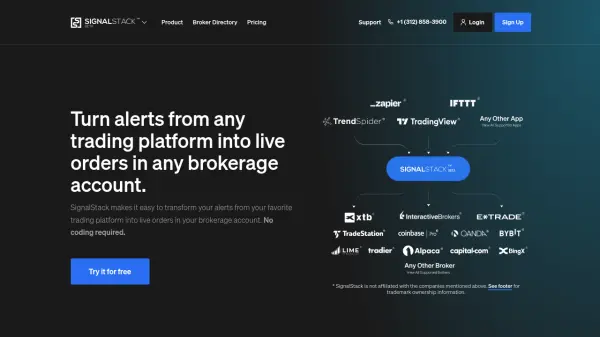
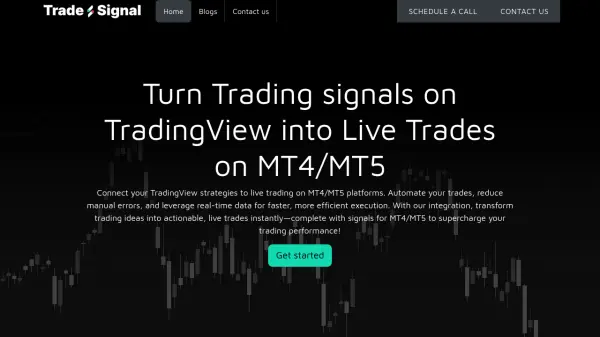
Trade Signal is designed to automate trading strategies by transforming TradingView alerts into live orders executed on MT4 and MT5 platforms. Without requiring any coding, users can connect their preferred charting platforms and brokers, set up automated trade execution, and manage risk through advanced configurations such as stop-loss and take-profit functions.
The platform caters to retail traders, investors, and strategy developers, offering features like backtesting, forward testing, multi-asset support—including stocks, forex, crypto, and futures—and near-zero latency trade execution. Trade Signal is mobile-friendly and does not require an external VPS, making it accessible and efficient for users seeking to enhance trading performance through automation.
Features
- Automated Trading: Converts trading signals from TradingView and other platforms into live trades on MT4/MT5.
- Multi-Asset Support: Enables automated trading across stocks, forex, cryptocurrencies, and futures/options.
- No Coding Required: Set up and automate trading strategies without the need for programming skills.
- Real-Time Execution: Achieve near-zero latency and real-time order processing.
- Risk Management Tools: Includes built-in stop-loss, take-profit, and trailing stop features.
- Backtesting & Forward Testing: Test and validate trading strategies before deploying live.
- Mobile-Friendly Platform: Monitor and manage trades on the go.
- Broker Integration: Seamlessly connect to a wide range of MT4/MT5-compatible brokers.
- Visual Configuration: Use visual tools and webhook-based alerts for easy automation.
- No External VPS Needed: Operates fully without the requirement for a separate VPS.
Use Cases
- Automating the execution of trading signals from TradingView or other charting platforms on MT4/MT5.
- Managing portfolios with hands-free trading and real-time risk controls.
- Backtesting and validating new trading strategies before deploying them live.
- Simplifying trade execution for retail traders without programming experience.
- Enabling trading communities to share and automate group trading signals.
- Executing multi-asset strategies with a single automation platform.
- Eliminating manual errors in fast-moving markets through instant trade processing.
- Enhancing investment strategies with automated and consistent order placement.
FAQs
-
Do I need a VPS to use Trade Signal?
No, Trade Signal operates without requiring a separate VPS for trade automation. -
Which brokers are compatible with Trade Signal?
Trade Signal supports all major brokers compatible with MT4 and MT5 platforms. -
Is coding knowledge required to automate trades?
No coding is needed. Users can set up trade automation using visual tools and webhook-based alerts. -
What asset classes are supported by Trade Signal?
Trade Signal supports forex, cryptocurrencies, stocks, indices, futures, and options trading depending on broker compatibility. -
Can I backtest my strategies before going live?
Yes, Trade Signal includes backtesting and forward testing features to validate your strategies before live execution.