What is TopicSimplify?
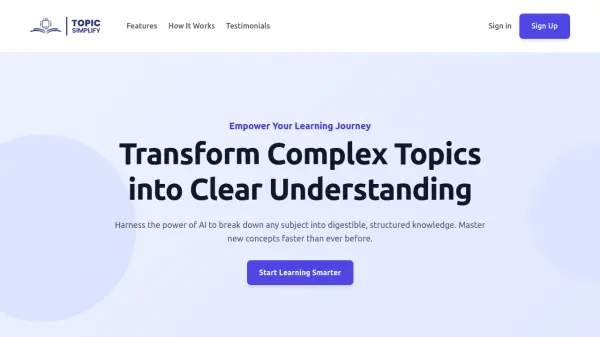
TopicSimplify functions as an AI-powered learning assistant designed to simplify complex subjects for users. It leverages artificial intelligence to analyze any topic provided by the user and break it down into a structured, easy-to-understand format. The tool aims to make education more accessible and engaging by transforming intricate information into digestible knowledge.
With TopicSimplify, users can receive comprehensive outlines highlighting key concepts and smart topic organization. It also offers features like concise summaries of complex materials and interactive elements such as dynamic Q&A for instant clarification, facilitating a deeper and faster understanding of new subjects.
Features
- AI-Powered Outlines: Generate comprehensive study outlines instantly, with smart topic organization and key concepts highlighted.
- Interactive Learning: Engage with content through dynamic Q&A, get instant clarification, and explore related concepts seamlessly.
- Smart Summaries: Convert complex topics into concise, easy-to-understand summaries that capture essential information.
Use Cases
- Learning new subjects quickly
- Breaking down complex topics for study
- Generating structured study outlines
- Summarizing complex information
- Interactive self-study and clarification
- Understanding diverse subjects efficiently