What is Toolpad?
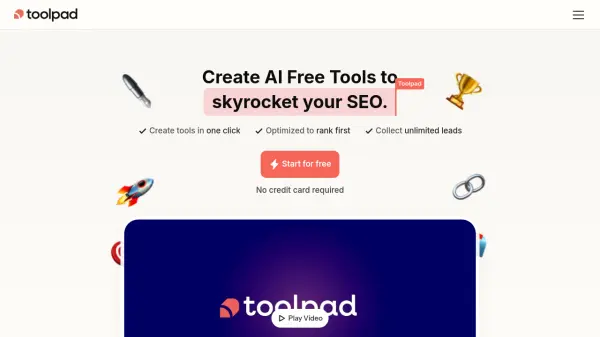
Toolpad is a platform designed to help users boost their Search Engine Optimization (SEO) by creating AI-powered free tools with a single click. These tools are optimized to rank highly on search engines like Google, leveraging the principle that delivering real value increases visitor retention, a factor favored by search algorithms. The platform aims to drive organic traffic and automate lead collection by offering valuable resources that attract target users and solve their problems effectively.
Users can embed the tools they create anywhere using any Content Management System (CMS). Toolpad offers a fully featured editor to customize the design of the tools to match the user's brand identity. It also provides detailed analytics to track the performance of the created free tools, allowing for informed adjustments and strategy optimization.
Users can embed the tools they create anywhere using any Content Management System (CMS). Toolpad offers a fully featured editor to customize the design of the tools to match the user's brand identity. It also provides detailed analytics to track the performance of the created free tools, allowing for informed adjustments and strategy optimization.
Features
- Instant Tools: Create AI-powered Free Tools with one-click.
- Universal Embedding: Embed your Free Tools anywhere, in any CMS.
- Unlimited Leads: Get thousands of targeted leads organically.
- Fully Featured Editor: Customizable design to match your brand.
- Detailed Analytics: Get in-depth analytics to track your Free Tools’ performance.
Use Cases
- Boost SEO rankings by offering valuable free tools.
- Generate leads organically on autopilot.
- Create valuable lead magnets to attract target users.
- Drive organic traffic to a website.
- Increase website visitor retention.