What is Think Privacy?
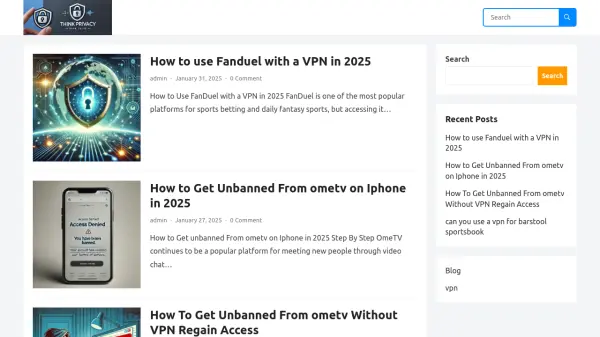
Think Privacy is a blog dedicated to offering insights and tutorials on privacy-related topics, particularly the use of Virtual Private Networks (VPNs). It covers practical guides on how to utilize VPNs for accessing services such as FanDuel for sports betting and OmeTV for video chatting, including methods to bypass bans and restrictions. The content aims to help users enhance their online privacy and navigate access challenges in various digital environments.
By providing step-by-step instructions and detailed explanations, Think Privacy serves as a resource for individuals seeking to understand and implement VPN solutions. The blog addresses common issues like getting unbanned from platforms without a VPN and explores the feasibility of using VPNs with specific services, ensuring users can make informed decisions about their online activities.
Features
- Blog Content: Provides articles and tutorials on VPN usage and privacy topics
- Step-by-Step Guides: Offers detailed instructions for accessing platforms like FanDuel and OmeTV
- Privacy Focus: Emphasizes online privacy and methods to bypass restrictions
- Platform Coverage: Covers multiple services including sports betting and video chat platforms
Use Cases
- Accessing geo-restricted sports betting platforms like FanDuel
- Bypassing bans on video chat services such as OmeTV
- Enhancing online privacy through VPN usage
- Learning how to use VPNs for specific online activities