What is Supersense?
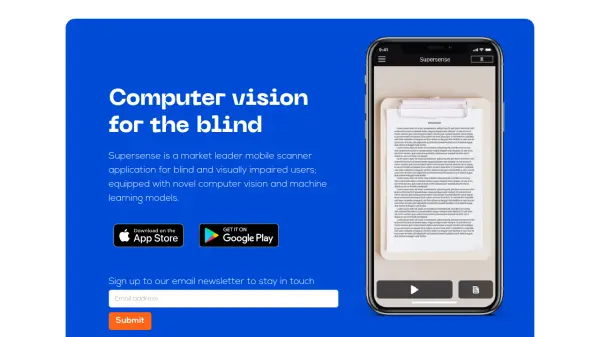
Supersense is a cutting-edge mobile application specifically designed for blind and visually impaired users, combining advanced computer vision and machine learning technologies. The app offers a simplified, user-friendly interface that enables users to scan and read text, identify objects, and navigate their surroundings with verbal guidance.
The application stands out for its intelligent scanning capabilities, which automatically detect and process various types of content including documents, currency, and barcodes. With proprietary techniques for enhanced accuracy and rapid processing, Supersense delivers reliable results even with blurry images and supports cross-application functionality for reading images from social media platforms.
Features
- Smart Scanning: Automatic detection and processing of different content types
- Verbal Guidance: Assists users in positioning the camera correctly
- Cross-Platform Integration: Ability to read images from other applications
- Simplified Interface: Easy-to-use design optimized for blind users
- Advanced Text Recognition: Fast and accurate text scanning capabilities
- Environmental Exploration: Object detection and surroundings description
Use Cases
- Reading printed documents and letters
- Identifying currency denominations
- Scanning barcodes
- Reading social media images
- Exploring physical surroundings
- Reading books and printed materials
FAQs
-
Can I use Supersense to read images from social media apps?
Yes, Supersense can read images imported from other applications like Facebook and WhatsApp. -
Do I need to be tech-savvy to use Supersense?
No, Supersense is designed to be radically simplified for blind users and can be used without tapping any buttons.