What is StaffReady?
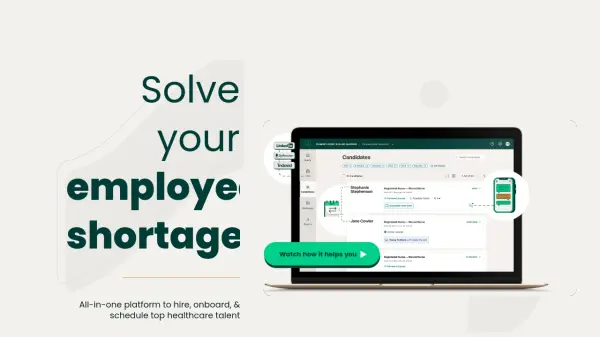
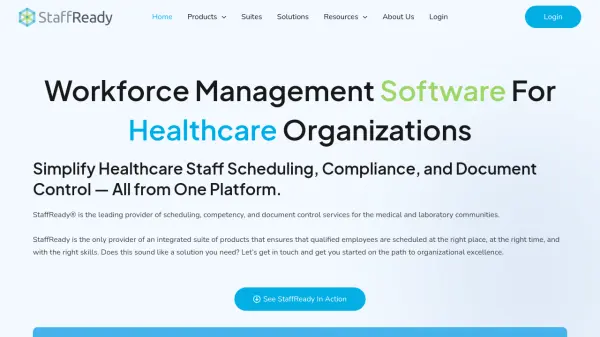
StaffReady delivers a comprehensive platform tailored for healthcare organizations to simplify staff scheduling, compliance management, and document control. With its robust, cloud-based solutions, hospitals, laboratories, and clinics can automate labor-intensive processes, ensuring qualified personnel are scheduled efficiently and all necessary credentials are maintained for compliance with regulations such as CLIA, TJC, and CAP.
Users benefit from a unified dashboard for scheduling, integrated competency data, customizable document workflows, and audit-ready records. The platform enhances staff communication, supports leave management, and ensures critical information is easily accessible, helping healthcare providers remain inspection-ready while focusing on high-quality patient care.
Features
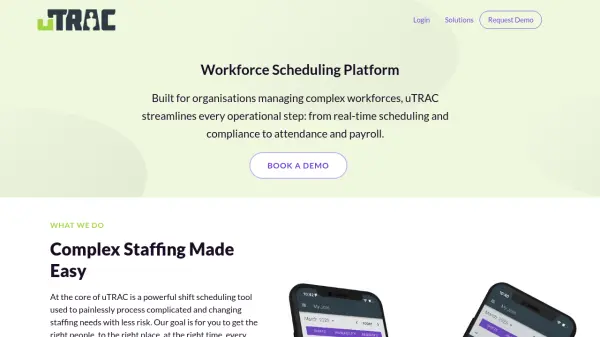
- Automated Scheduling: Streamlines shift scheduling with real-time access and staff empowerment features.
- Competency Tracking: Verifies and tracks staff skills, certifications, and regulatory compliance.
- Customizable Workflows: Adapts to unique organizational requirements for scheduling and compliance.
- Document Control Suite: Centralizes policies, procedures, and compliance documentation with audit-ready records.
- Cloud-Based Platform: Enables secure, accessible management across departments and locations.
- Real-Time Dashboards: Offers instant insights into schedule coverage, staff qualifications, and document status.
- Mobile App Access: Allows employees to view schedules and manage leave on the go.
Use Cases
- Automating nurse and clinician shift scheduling in hospitals
- Tracking competency and compliance for laboratory staff
- Managing leave requests and shift trades efficiently
- Centralizing healthcare policy and SOP documentation
- Ensuring inspection readiness for regulatory audits and compliance
- Improving communication and transparency for healthcare teams
FAQs
-
What types of healthcare organizations can benefit from StaffReady?
Hospitals, laboratories, and clinics seeking to automate scheduling, competency tracking, and document control can benefit from using StaffReady. -
Is StaffReady cloud-based and accessible from multiple locations?
Yes, StaffReady is a cloud-based solution, allowing secure access and management across multiple departments and locations. -
Does StaffReady support compliance with regulatory standards?
StaffReady supports compliance with regulations such as CLIA, TJC, and CAP by automating competency tracking and document management. -
Is there a mobile app available for StaffReady users?
Yes, StaffReady offers a free mobile app that enables users to access their schedules and manage leave conveniently.