What is StableVideo?
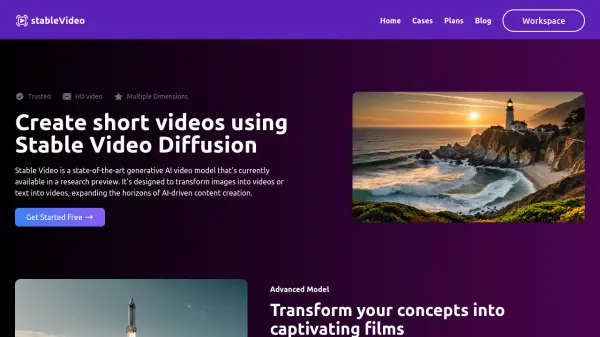
StableVideo leverages state-of-the-art Stable Video Diffusion technology to transform both images and text into dynamic video content. The platform supports multiple aspect ratios including 16:9, 9:16, and 1:1, delivering high-definition videos without watermarks for unlimited downloads.
Built on advanced AI architecture, this tool caters to diverse applications across media, entertainment, education, and marketing sectors. The platform combines user-friendly interface design with powerful processing capabilities, making it accessible for both beginners and professionals while ensuring quick turnaround times for video generation.
Features
- Advanced AI Model: Converts text and images into dynamic visual narratives
- Multiple Format Support: Enables both image-to-video and text-to-video conversion
- Flexible Aspect Ratios: Supports 16:9, 9:16, and 1:1 video formats
- High-Speed Processing: Quick turnaround times with powerful servers
- No Watermarks: Clean, professional output with unlimited downloads
- User-Friendly Interface: Intuitive design for all skill levels
Use Cases
- Creating marketing video content
- Developing educational materials
- Producing social media content
- Generating advertising clips
- Creating digital presentations
- Developing entertainment content
FAQs
-
What is the maximum duration of generated videos?
Currently, the models are optimized for generating short video clips, typically around four seconds in duration. -
How are credits consumed?
Each image-to-video generation consumes 20 credits, and text-to-video generation consumes 25 credits. Failed generations are not charged. -
Is Stable Video Diffusion open source?
Yes, Stability AI has made the code for Stable Video Diffusion available on GitHub, encouraging open-source collaboration and development.