SpeakUp Live favicon

SpeakUp Live
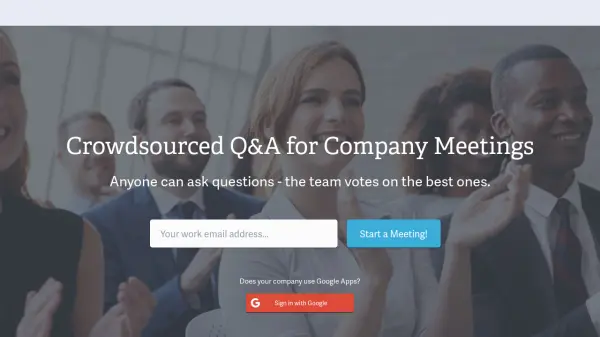
Crowdsourced Q&A for Company Meetings

What is SpeakUp Live?

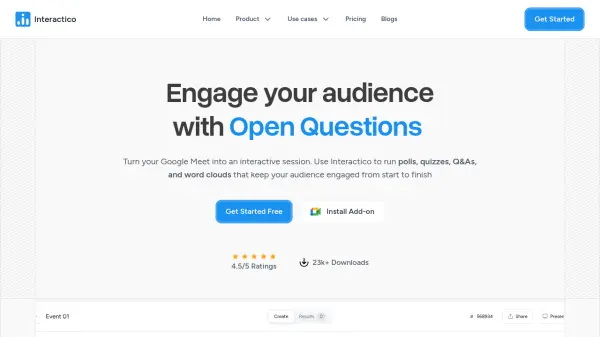
SpeakUp Live is a specialized tool designed to enhance company meetings through crowdsourced Q&A. It facilitates a structured process where attendees can post questions and vote on them, helping team leaders identify the most relevant topics. The platform integrates seamlessly with Google Apps for easy access and offers a free trial for initial use.

The tool supports various meeting sizes with tiered pricing plans, making it suitable for small to large organizations. By leveraging AI to manage question submissions and voting, SpeakUp Live ensures that meetings are more engaging and productive, focusing on the most important discussions as determined by the team.

Features

  • Crowdsourced Q&A: Attendees can post and vote on questions during meetings
  • Google Apps Integration: Sign in with Google for seamless access
  • Voting System: Team members vote to highlight the best questions
  • Tiered Pricing: Plans available for different organization sizes
  • Free Trial: First 3 meetings are free to test the platform

Use Cases

  • Enhancing engagement in company meetings
  • Prioritizing questions in team discussions
  • Facilitating Q&A sessions in large group meetings
  • Improving meeting productivity through structured feedback

Related Tools:

Blogs:

  • Boost Engagement in Ads with AI

    Boost Engagement in Ads with AI

    Discover how AI music and AI SDR agents are reshaping modern advertising. Learn how emotional resonance through AI-generated soundtracks combined with smart, automated sales outreach can turn viewers into loyal customers faster, cheaper, and more personally than ever before.

  • Top 6 AI note-taking tools for 2026: in-person, online, and hybrid use cases

    Top 6 AI note-taking tools for 2026: in-person, online, and hybrid use cases

    Most AI note-taking lists are really lists of meeting bots, which join your video call and transcribe it. That's useful, but it's half the picture. Decisions happen in hallway conversations, client dinners, on-site visits, and hybrid rooms where nobody is on a video link. This guide covers different parts of the note-taking workflow: hardware capture for in-person settings, platform-native tools for online calls, and AI layers for organizing and synthesizing what you've captured. It compares six tools by capture context, workflow fit, pricing, and limitations.

Didn't find tool you were looking for?

Be as detailed as possible for better results