What is Sonic Pi?
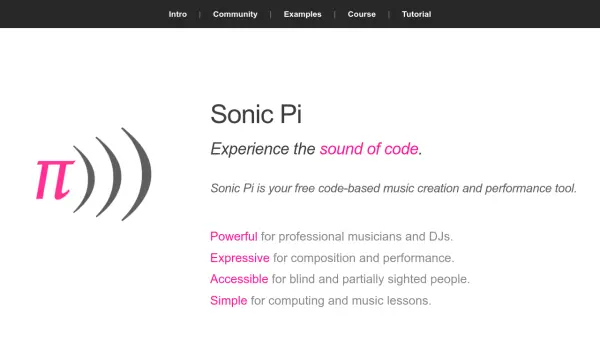
Sonic Pi is a free, code-based music creation and performance tool that transforms computers into fully networked live coding music studios. It allows users to compose and perform music across a wide range of styles, from Classical and Jazz to Hip Hop and EDM, using simple code. The tool is designed to be powerful for professional musicians and DJs, expressive for composition and performance, accessible for blind and partially sighted individuals, and simple for computing and music lessons.
With features like multi-channel audio in/out, well-timed MIDI and OSC in/out, and built-in Ableton's Link network metronome, Sonic Pi supports live coding in educational and professional settings. It includes a friendly tutorial, community support, and resources like courses and books to help users learn creative coding through music. The tool is available for Windows, macOS, and Raspberry Pi OS, making it versatile for various platforms.
Features
- Live Coding Studio: Turns computers into networked music studios with code-based composition and performance
- Multi-Platform Support: Available for Windows, macOS, and Raspberry Pi OS for versatile use
- Educational Resources: Includes tutorials, courses, and books for learning creative coding through music
- Accessibility Features: Designed to be accessible for blind and partially sighted users
- Community and Support: Offers community forums, sponsorships, and educational collaborations
Use Cases
- Live music performances in venues like nightclubs or concerts
- Music composition and production across various genres
- Educational tool for teaching coding and music in classrooms
- Creative coding workshops for students and enthusiasts
- Accessible music creation for blind and partially sighted individuals
FAQs
-
What platforms is Sonic Pi available for?
Sonic Pi is available for Windows, macOS, and Raspberry Pi OS. -
Is Sonic Pi suitable for beginners in coding?
Yes, Sonic Pi includes a friendly tutorial and educational resources to help beginners learn coding through music. -
Can Sonic Pi be used in educational settings?
Yes, Sonic Pi is designed for classroom use with schemes of work and resources for teaching computing and music. -
Does Sonic Pi support accessibility features?
Yes, Sonic Pi is designed to be accessible for blind and partially sighted users. -
What types of music can be created with Sonic Pi?
Sonic Pi supports a wide range of genres, including Classical, Jazz, Hip Hop, and EDM.