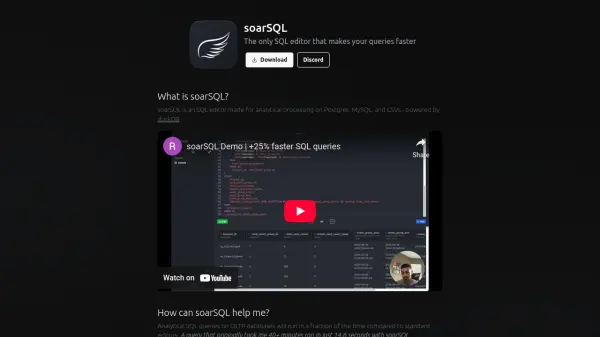
What is soarSQL?
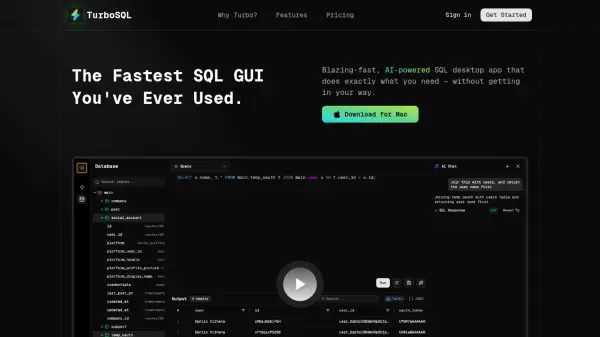
soarSQL is a specialized SQL editor focused on delivering faster analytical processing for Postgres, MySQL, and CSV files by harnessing the power of the duckDB engine. Unlike standard SQL editors, soarSQL dramatically reduces query runtime by performing computations locally, enhancing efficiency without overloading your database or requiring you to duplicate your data for OLAP systems.
With soarSQL, users can open CSV files of any size and interact with them as though they were database tables, enjoying swift query performance and seamless data management. The tool processes and stores all data securely on the user's device, offering a cost-effective and risk-minimizing solution for demanding SQL workloads.
Features
- Local Processing: Query execution and data storage occur on the user's device.
- duckDB Engine: Leverages duckDB for fast, OLAP-like query performance.
- Multi-Database Support: Works with Postgres, MySQL, and CSV files.
- No Data Duplication: Eliminates the need to materialize extra copies or perform additional processing.
- Handles Large CSVs: Opens and queries CSV files of any size as tables.
Use Cases
- Accelerating large SQL queries on OLTP databases.
- Performing local analytical processing on Postgres and MySQL.
- Querying massive CSV datasets efficiently.
- Reducing database server load during analysis.
- Minimizing cloud data warehousing costs for heavy analytical queries.