
What is SMTP Provider?
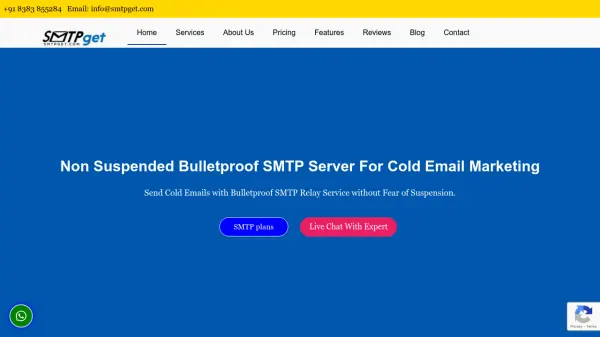
SMTP Provider offers a comprehensive email marketing solution that integrates reliable SMTP services with AI-powered content creation tools. The platform provides dedicated IP addresses for improved sender reputation and high inbox delivery rates, ensuring emails reach their intended recipients rather than spam folders.
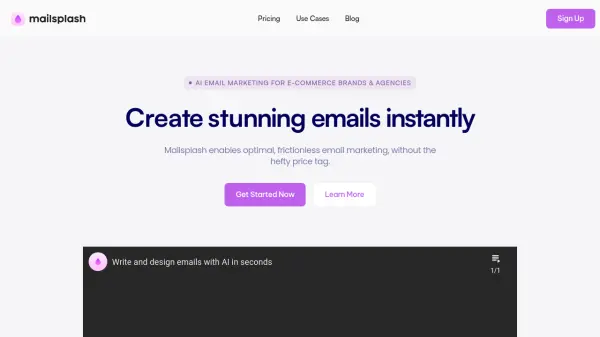
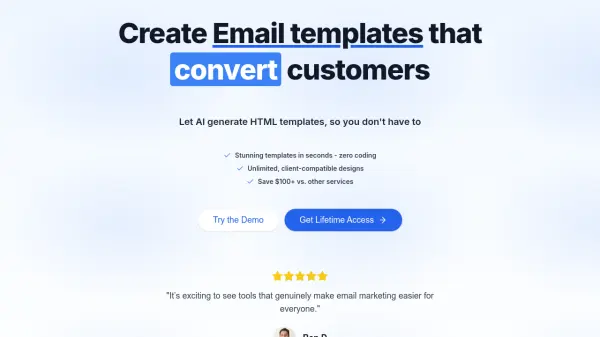
The AI Template Builder enables users to generate on-brand email templates quickly by describing their goals, with AI drafting subject lines and body copy optimized for engagement. The drag-and-drop editor allows for easy customization with brand kit controls for fonts, colors, and components, while segment personalization features enable dynamic content blocks for targeted campaigns.
Features
- AI Template Builder: Generate email templates with AI-drafted subject lines and body copy optimized for engagement
- Dedicated IP Addresses: Improve sender reputation and avoid blacklisting with dedicated IPs for high deliverability
- Drag-and-Drop Editor: Customize emails easily with visual editing tools and brand kit controls
- Segment Personalization: Add dynamic content blocks for targeted campaigns with names and offers
- 24/7 Live Support: Access customer support through chat or phone at any time
Use Cases
- Creating promotional email campaigns for marketing purposes
- Sending newsletters to subscriber lists
- Transactional email delivery for businesses
- Bulk email marketing campaigns
- Brand communication and engagement emails
FAQs
-
What types of email plans are available?
SMTP Provider offers promotional email plans with monthly email limits and unlimited SMTP plans with dedicated IPs and unlimited subscribers. -
How does the AI Template Builder work?
Users describe their email goals, and the AI drafts subject lines and body copy, which can then be customized using the drag-and-drop editor with brand controls. -
What support options are available?
24/7 live support is provided through chat and phone with highly skilled experts. -
Can I import existing contact lists?
Yes, contact lists can be imported as text files or CSV files through the web interface.