What is Smartrazor?
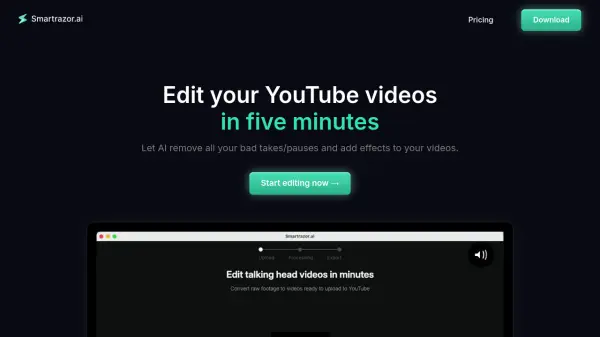
Smartrazor is an AI-powered video editing tool designed specifically for "talking-head" YouTube videos. It automates the tedious aspects of video editing, such as removing bad takes, pauses, and mistakes. The software also adds engaging captions and zooms automatically.
Smartrazor allows creators to upload raw footage or record directly within the app. After uploading, the AI processes the video and performs the edits. Users can then make fine-tune adjustments using the transcript editor and effects timeline, ensuring the final product meets their expectations. The software is available for both Apple and Windows operating systems.
Features
- Auto-cutting: AI-powered removal of mistakes, bad takes, and pauses.
- Animated Auto Captions: Automatically adds engaging captions to videos.
- Engaging Zoom Placement: Dynamically adds zooms to enhance viewer engagement.
- Transcript Editor: Allows for text-based editing to adjust cuts.
- Effects Timeline: Provides tools to quickly adjust zoom and caption positions.
Use Cases
- Automating video editing for YouTube creators.
- Streamlining the content creation workflow for online businesses.
- Reducing video editing time for individuals and teams.
- Creating engaging talking-head videos with minimal effort.
- Saving on video editing costs.
FAQs
-
How is Smartrazor.ai different from other video editors?
We are the best and only software available on the market designed specifically for longform YouTube editing. No other software that does 100% of the video editing legwork for you. We cut all your mistakes and add engaging captions and zooms all for you. Of course, our AI can mess up, and you can easily adjust the output using the transcript editor. -
Who is this for?
Anybody who is tired of video editing themselves, or paying thousands for a video editor. Making content to collect ad revenue and sales has never been easier. Simply hit record, let AI do the editing for you, and hit upload. -
What languages does this support?
Currently we only reliably support English. -
What are the export settings?
We let you export straight to YouTube, download full video, OR download individual clips to your local computer.