What is Serenade?
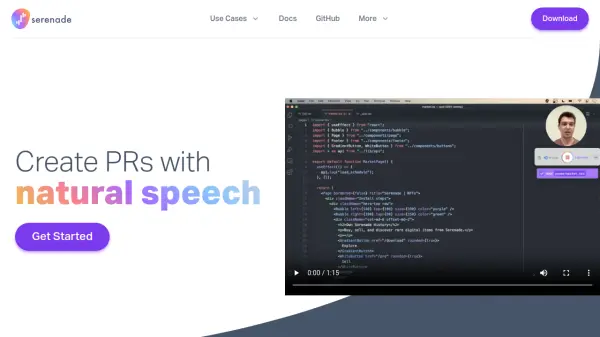
Serenade is an open-source voice assistant specifically designed for developers, allowing them to write code using natural speech commands. Its core purpose is to provide an alternative to traditional keyboard typing, helping users give their hands a break, prevent injuries, or simply enhance productivity without sacrificing speed. The tool features a speech-to-code engine built from the ground up for coding tasks.
Serenade offers flexibility in deployment, capable of running in the cloud to minimize system resource impact or entirely locally to ensure voice commands and source code remain on the user's device. It integrates seamlessly with a wide range of existing developer tools and applications, including popular IDEs like VS Code and IntelliJ, version control systems like Git, communication platforms like Slack, and various programming languages such as Python, JavaScript, Java, and C++. Users can also customize their workflow by creating powerful custom voice commands and plugins or utilizing those shared by the community.
Features
- Natural Speech-to-Code Engine: Convert spoken commands into code, designed specifically for developers.
- Open-Source: Freely available source code for transparency and customization.
- Flexible Deployment: Option to run in the cloud or locally for security and resource management.
- Wide Integration: Works with popular IDEs (VS Code, IntelliJ), languages (Python, JS, Java, C++), and tools (Slack, Git).
- Customizable Workflow: Create custom voice commands and plugins or use community-shared ones.
- Reduced Typing Strain: Offers an alternative to constant keyboard use, beneficial for injury prevention or recovery.
Use Cases
- Coding without typing for developers with repetitive strain injuries.
- Improving coding productivity through voice commands.
- Integrating voice control into existing development workflows.
- Hands-free coding and navigation within IDEs and other tools.
- Customizing voice commands for specific development tasks.