

What is ScrollToStudy?
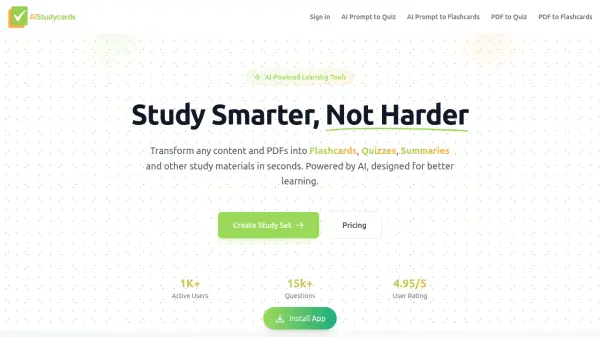
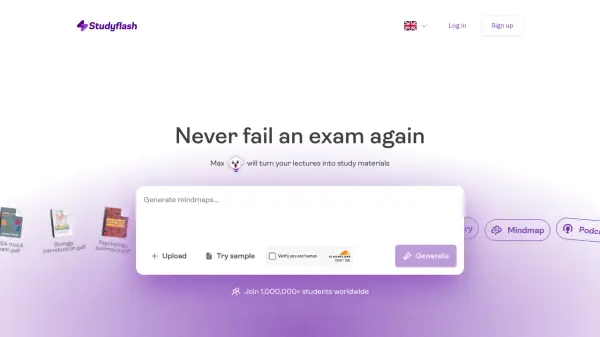
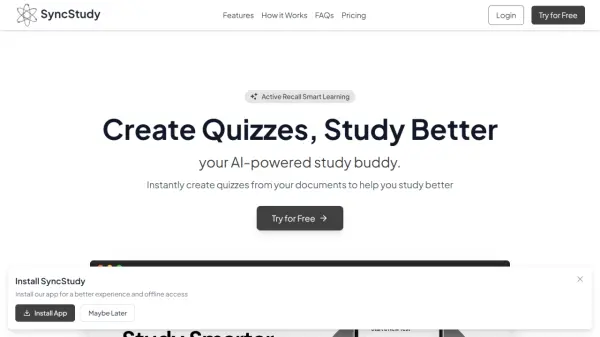
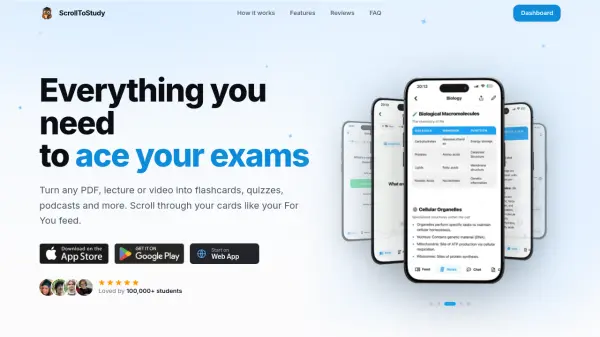
ScrollToStudy turns any study material into interactive, scrollable flashcards, quizzes, curated notes, and AI-generated podcasts. Upload PDFs, lecture slides, YouTube links, audio recordings, or photos of handwritten notes, and the AI extracts key concepts, structuring them into a personalized feed. The adaptive quizzes get harder as you improve and target weak spots, while the focus mode blocks distracting apps to keep you on track. Loved by over 100,000 students, it offers a gamified, swipe-based learning experience optimized for retention.
Features
- AI-Powered Content Conversion: Instantly turns PDFs, videos, audio, and photos into study materials.
- Adaptive Quizzes: Questions adjust difficulty and target weak spots for efficient learning.
- Spaced Repetition: Algorithm optimizes card review timing to boost long-term memory.
- AI Podcasts: Converts study topics into audio episodes for learning on the go.
- Contextual Chat: Ask questions about uploaded materials and receive answers with full context.
- Focus Mode: Blocks distracting apps during study sessions to maintain concentration.
- Multi-Format Support: Accepts PDFs, DOCX, PPTX, YouTube links, audio recordings, and handwritten notes.
- Multi-Language: Works with study material in 34 languages.
- Scrollable Feed: Study flashcards in a TikTok-style feed for an engaging experience.
- Smart Notes: Condenses long chapters into concise, memorable summaries.
Use Cases
- Exam preparation for high school or university students.
- Quick review of lecture slides before exams.
- Learning new languages or subjects on the go.
- Converting classroom recordings into study materials.
- Creating flashcards from textbook chapters.
- Listening to study content as podcasts while commuting.
- Collaborative study groups sharing and editing flashcard sets.
- Tracking progress with adaptive quizzes and analytics.
FAQs
-
Is ScrollToStudy free?
ScrollToStudy comes with a generous free plan so you can get started without a credit card. You can create study sets, generate flashcards and use the core scroll-to-study experience right away. Upgrade to unlock unlimited creation and advanced AI features. -
What can I upload?
PDFs, lecture slides, websites, YouTube links, audio recordings, photos of handwritten notes, or just type your topic. ScrollToStudy turns all of it into flashcards, quizzes, notes and podcasts automatically. -
Which subjects and languages does it work for?
Any subject, from anatomy and law to vocabulary and history. The app is available in 34 languages and works with study material in any language you give it. -
Mobile app or browser?
ScrollToStudy is on iOS and Android today, built for studying on the go. A web app for your computer is in the works and coming soon. -
How is this different from Quizlet?
You never build cards by hand. The AI generates everything from your material and you study in a scrollable feed designed around the swipe habit you already have, with spaced repetition deciding what shows up next. Plus AI podcasts, contextual chat and a focus mode most flashcard apps don't have.