ScourHead favicon

ScourHead
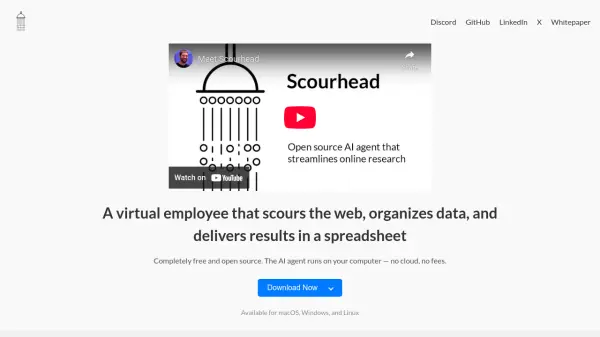
A virtual employee that scours the web, organizes data, and delivers results in a spreadsheet.

What is ScourHead?

ScourHead operates as a virtual employee, leveraging AI to efficiently gather information across the web. It then organizes this data and delivers the compiled results directly to the user in a clear, accessible spreadsheet format.

This software is designed to run locally on your computer, ensuring privacy and eliminating cloud-related costs. It is compatible with multiple operating systems, offering accessibility across different platforms.

Features

  • Web Scouring: Efficiently gathers information from various online sources.
  • Data Organization: Structures collected data in a logical and understandable manner.
  • Spreadsheet Delivery: Presents the organized data in a user-friendly spreadsheet format.
  • Local Operation: Runs directly on the user's computer, ensuring privacy and eliminating cloud costs.
  • Cross-Platform Compatibility: Available for macOS, Windows, and Linux operating systems.

Use Cases

  • Gathering data for market research
  • Collecting information for competitive analysis
  • Compiling data for academic research projects
  • Tracking specific keywords or topics across the web
  • Aggregating information from multiple sources into a single spreadsheet

Related Tools:

Blogs:

  • Best ai tools for Twitter Growth

    Best ai tools for Twitter Growth

    The best AI tools for Twitter's growth are designed to enhance user engagement, increase followers, and optimize content strategy on the platform. These tools utilize artificial intelligence algorithms to analyze Twitter trends, identify relevant hashtags, suggest optimal posting times, and even curate personalized content.

  • Top 6 AI note-taking tools for 2026: in-person, online, and hybrid use cases

    Top 6 AI note-taking tools for 2026: in-person, online, and hybrid use cases

    Most AI note-taking lists are really lists of meeting bots, which join your video call and transcribe it. That's useful, but it's half the picture. Decisions happen in hallway conversations, client dinners, on-site visits, and hybrid rooms where nobody is on a video link. This guide covers different parts of the note-taking workflow: hardware capture for in-person settings, platform-native tools for online calls, and AI layers for organizing and synthesizing what you've captured. It compares six tools by capture context, workflow fit, pricing, and limitations.

Didn't find tool you were looking for?

Be as detailed as possible for better results