What is SceneSnap?
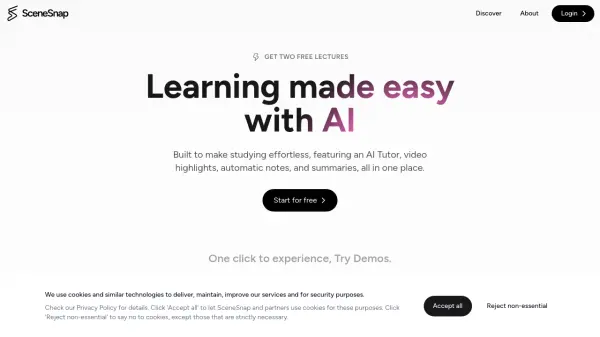
SceneSnap revolutionizes the learning experience by transforming educational content into comprehensive, interactive study materials. The platform leverages advanced AI technology to automatically generate notes, create video highlights, and provide instant summaries from various types of content including lectures, documents, and presentations.
Supporting multiple file formats including PDF, DOC, PPT, audio files, and videos, the platform offers a versatile learning environment complete with an AI tutor for personalized guidance. The system automatically processes content to create flashcards, chapter divisions, and smart transcripts, making study materials more accessible and engaging.
Features
- Automatic Notes: AI-powered extraction of core points from discussions and media
- Video Highlights: Auto-generated chapters and important segment identification
- Smart Transcript: One-click polished transcript generation
- AI Tutor: 24/7 personalized learning assistance
- Flashcards: Automatic generation from notes, slides, or video lessons
- Multi-format Support: Compatible with text, audio, and video files
- Chapter Division: Automated content organization
- Interactive Learning: Real-time Q&A with content
Use Cases
- University lecture note-taking
- Academic content summarization
- Corporate training material processing
- Educational content creation
- Self-paced learning
- Video content analysis
- Study material preparation
- Television and media content processing
FAQs
-
What types of file formats does SceneSnap support?
SceneSnap supports various file formats including PDF, DOC, PPT for text documents, MP3, WAV, M4A for audio files, and MP4, MOV, AVI for video files. It also supports video links from platforms like Politecnico Webex, YouTube, and Google Drive. -
How does the AI tutor feature work?
The AI tutor adapts to your level and context, providing focused guidance and insights in real-time. It offers instant answers and assistance without the need for scheduling.