Scam AI favicon

Scam AI
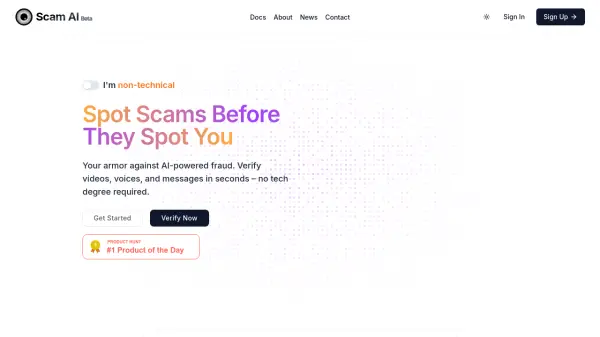
Your Armor Against AI-Powered Fraud

What is Scam AI?

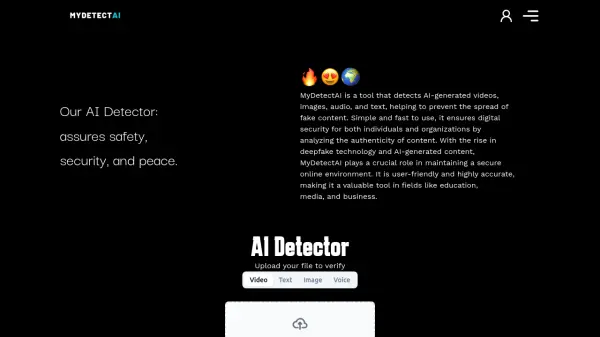
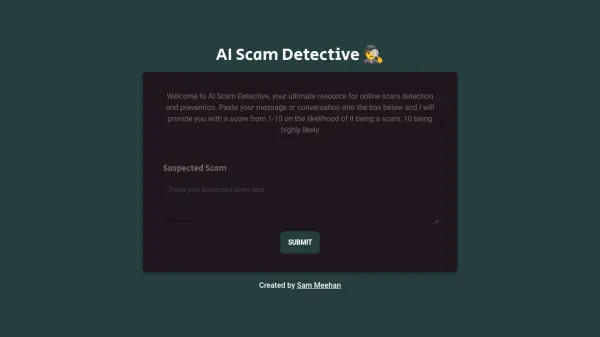
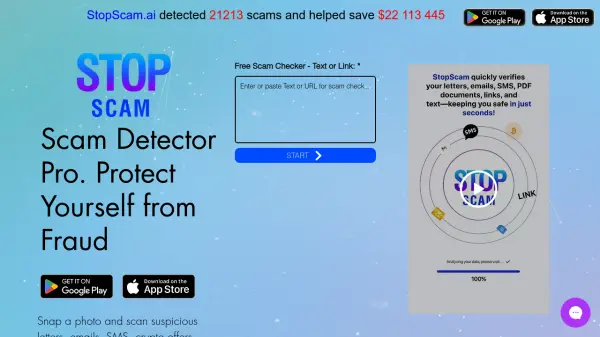
Scam AI is a tool designed to protect users from AI-powered fraud. It allows individuals to quickly verify the authenticity of videos, voices, and messages.

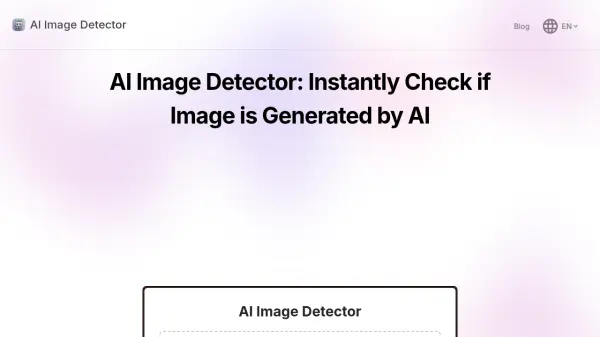
The platform offers an easy-to-use interface where users can upload files (JPG, JPEG, PNG, HEIC, Webp up to 10MB) for analysis. Scam AI then utilizes its algorithms to detect potential deepfakes and other AI-generated scams.

Features

  • Deepfake Detection: Identifies manipulated videos and images.
  • AI Scam Prevention: Detects potential scams crafted using artificial intelligence.
  • File Verification: Supports various image formats (JPG, JPEG, PNG, HEIC, Webp).
  • Automated Analysis: Provides quick results without requiring technical expertise.

Use Cases

  • Verifying the authenticity of online videos.
  • Detecting deepfake images.
  • Identifying AI-generated scam messages.
  • Checking the authenticity of voice recordings.
  • Validating media before sharing or trusting it.

Related Tools:

Blogs:

  • AI thumbnail maker tools

    AI thumbnail maker tools

    Automatically generate visually appealing and optimized thumbnails for various digital content, streamlining the design process and enhancing visual engagement

  • Ghibli Art Generator AI tools

    Ghibli Art Generator AI tools

    List of the best AI tools to turn your photos into images that look like Studio Ghibli movies. Easy to use and fun for everyone.

  • Best AI tools for Room Design

    Best AI tools for Room Design

    Discover cutting-edge AI tools that redefine the art of room design. From layout optimization to aesthetic finesse, these top-tier tools enhance your space to new heights.

  • Top 6 AI note-taking tools for 2026: in-person, online, and hybrid use cases

    Top 6 AI note-taking tools for 2026: in-person, online, and hybrid use cases

    Most AI note-taking lists are really lists of meeting bots, which join your video call and transcribe it. That's useful, but it's half the picture. Decisions happen in hallway conversations, client dinners, on-site visits, and hybrid rooms where nobody is on a video link. This guide covers different parts of the note-taking workflow: hardware capture for in-person settings, platform-native tools for online calls, and AI layers for organizing and synthesizing what you've captured. It compares six tools by capture context, workflow fit, pricing, and limitations.

Didn't find tool you were looking for?

Be as detailed as possible for better results