Rush Roto Studio favicon

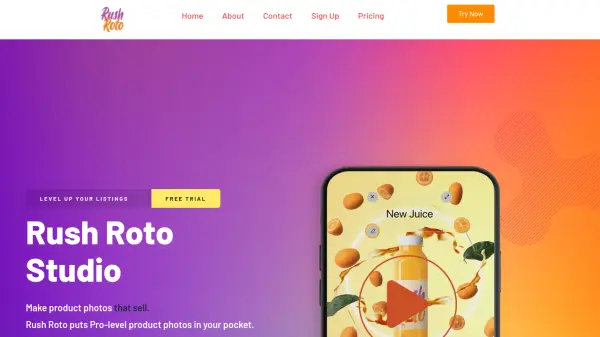
Rush Roto Studio
Make product photos that sell.

What is Rush Roto Studio?

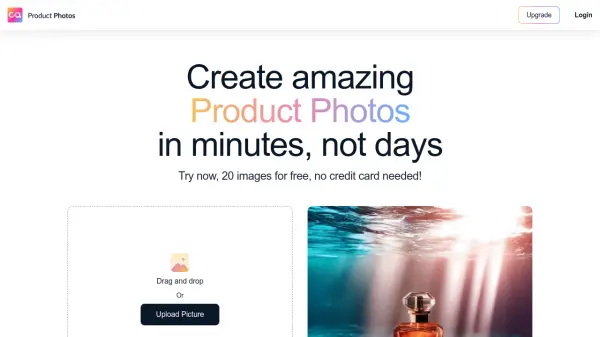
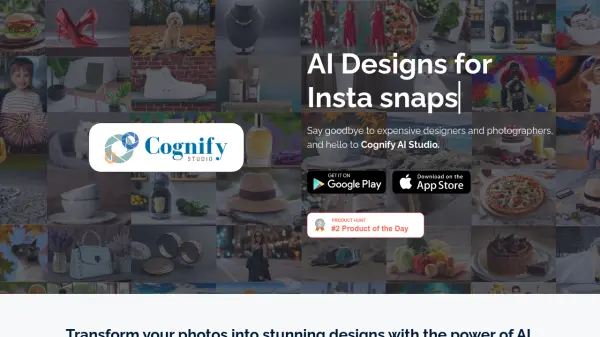
Rush Roto Studio empowers businesses to effortlessly create high-quality product photos and videos. Leveraging the power of AI, it transforms simple images into compelling visuals designed to boost sales. The platform offers a user-friendly drag-and-drop interface, requiring no prior editing experience, and provides templates crafted by expert graphic designers, marketers, and advertisers.

With Instant Image AI, generate marketing materials in minutes. This tool helps bypass the need for expensive editing software and accelerates the creative process, allowing for a quick transition from photo to promotional content.

Features

  • Instant Image A.I.: Generates marketing visuals quickly.
  • Drag. Drop. Done.: Simple interface for easy photo to promo creation.
  • Scroll Stoppers: Templates designed by expert Graphic Designers, Marketers & Advertisers.
  • Background Removal: 200 Background Removal Credits are included in all plans.
  • Powerful Video Editor: Powerful Video Editor is provided on a basic plan.

Use Cases

  • Creating product photos for e-commerce listings
  • Developing marketing videos for online advertising
  • Enhancing social media content with professional visuals
  • Generating promotional materials for product launches

Related Tools:

Blogs:

  • Best AI tools for Product Photography

    Best AI tools for Product Photography

    Explore top AI tools that can elevate your product photography, helping you enhance images, streamline workflows, and create professional visuals with ease.

  • Top 6 AI note-taking tools for 2026: in-person, online, and hybrid use cases

    Top 6 AI note-taking tools for 2026: in-person, online, and hybrid use cases

    Most AI note-taking lists are really lists of meeting bots, which join your video call and transcribe it. That's useful, but it's half the picture. Decisions happen in hallway conversations, client dinners, on-site visits, and hybrid rooms where nobody is on a video link. This guide covers different parts of the note-taking workflow: hardware capture for in-person settings, platform-native tools for online calls, and AI layers for organizing and synthesizing what you've captured. It compares six tools by capture context, workflow fit, pricing, and limitations.

  • Top AI tools for Students

    Top AI tools for Students

    These AI tools are designed to enhance the learning experience for students. From personalized study plans to intelligent tutoring systems.

Didn't find tool you were looking for?

Be as detailed as possible for better results